
AI made docs easy to write. Not easy to trust.
Making docs AI-ready is table stakes. Getting them accurate is harder. GitBook is the docs infrastructure that does both.
Set up your docs with AI
# GitBook Setup Agent
## Task
Take my docs and turn them into a live, published GitBook site. Go end-to-end — don't stop until it's live or you hit a step only I can do.
## Tooling
You have two ways to work with GitBook. Check what's available and pick accordingly:
1. **GitBook MCP server** (preferred if already connected) — check your available tools for `gitbook-mcp`. If it's connected, use it.
2. **GitBook skill** (fallback, or if I ask for it) — if the MCP server isn't installed and can't be added, install the skill instead:
```bash
npx skills add GitbookIO/gitbook-skills
```
Then follow the skill's instructions to drive the GitBook REST API directly. This path requires a GitBook API token (PAT) from me — ask for it if you don't have one.
## Setting up the MCP server (if not connected) Connect to `https://mcp.gitbook.com/mcp`. Use OAuth unless I give you a PAT.
**Claude Code:**
```bash
claude mcp add --transport http gitbook-mcp https://mcp.gitbook.com/mcp ``` (with PAT, add `--header "Authorization: Bearer <YOUR_PAT>"`) — then run `/mcp` to auth/verify.
**Codex:**
```bash
codex mcp add gitbook-mcp --url https://mcp.gitbook.com/mcp ```
(for PAT, set `GITBOOK_MCP_TOKEN` and add a `[mcp_servers.gitbook-mcp]` block with `bearer_token_env_var` to `~/.codex/config.toml`) — verify with `codex mcp list`.
If MCP setup fails or isn't supported in this environment, fall back to the skill (option 2 above) rather than stopping.
## Import Docs
Once you have a working connection (MCP or skill), pull in my existing docs (point me to a folder, repo, or other docs site if you need one) and set up the site, structure, and content from there. Either path should end in the same result: a structured, published site.
# GitBook Setup Agent
## Task
Take my docs and turn them into a live, published GitBook site. Go end-to-end — don't stop until it's live or you hit a step only I can do.
## Tooling
You have two ways to work with GitBook. Check what's available and pick accordingly:
1. **GitBook MCP server** (preferred if already connected) — check your available tools for `gitbook-mcp`. If it's connected, use it.
2. **GitBook skill** (fallback, or if I ask for it) — if the MCP server isn't installed and can't be added, install the skill instead:
```bash
npx skills add GitbookIO/gitbook-skills
```
Then follow the skill's instructions to drive the GitBook REST API directly. This path requires a GitBook API token (PAT) from me — ask for it if you don't have one.
## Setting up the MCP server (if not connected) Connect to `https://mcp.gitbook.com/mcp`. Use OAuth unless I give you a PAT.
**Claude Code:**
```bash
claude mcp add --transport http gitbook-mcp https://mcp.gitbook.com/mcp ``` (with PAT, add `--header "Authorization: Bearer <YOUR_PAT>"`) — then run `/mcp` to auth/verify.
**Codex:**
```bash
codex mcp add gitbook-mcp --url https://mcp.gitbook.com/mcp ```
(for PAT, set `GITBOOK_MCP_TOKEN` and add a `[mcp_servers.gitbook-mcp]` block with `bearer_token_env_var` to `~/.codex/config.toml`) — verify with `codex mcp list`.
If MCP setup fails or isn't supported in this environment, fall back to the skill (option 2 above) rather than stopping.
## Import Docs
Once you have a working connection (MCP or skill), pull in my existing docs (point me to a folder, repo, or other docs site if you need one) and set up the site, structure, and content from there. Either path should end in the same result: a structured, published site.
Use your favorite AI tool to set up your docs in just a few minutes
Search…
Ctrl
k
Ask
Sign in
Product
API
Help center
Changelog
Getting started
Welcome
Quickstart
Concepts
System performance
Optimizing for workloads
Kernel tuning
Security
Overview
Security best practices
System hardening
Updates and patching
Audit and logging
Vulnerability management
customization
Theme customization
Custom domain
Getting started
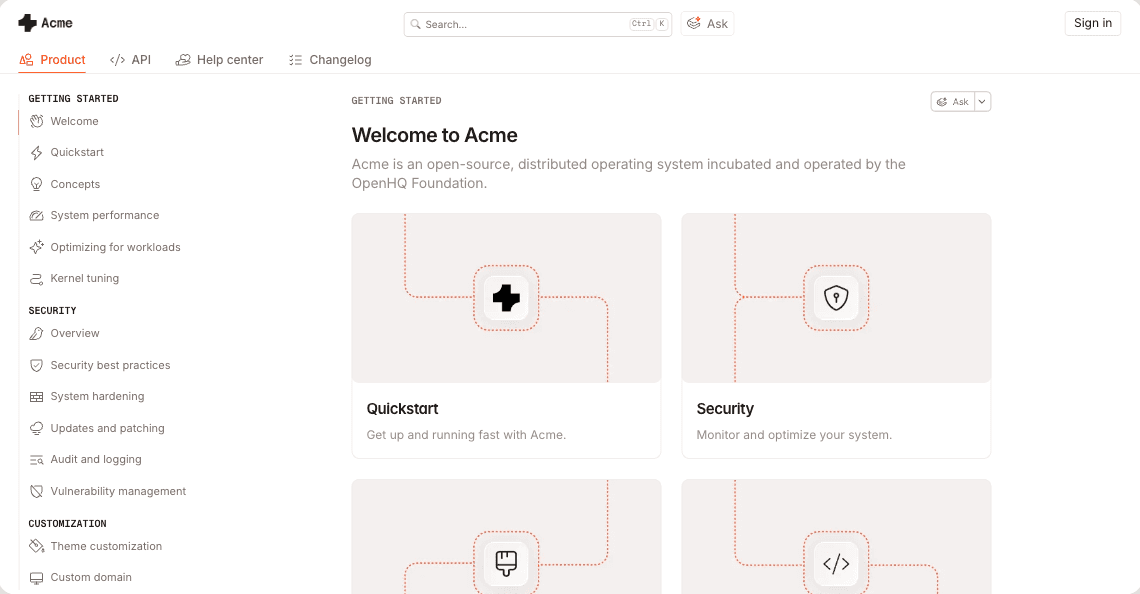
Welcome to Acme
Acme is an open-source, distributed operating system incubated and operated by the OpenHQ Foundation.

Quickstart
Get up and running fast with Acme.

Security
Monitor and optimize your system.

Quickstart
Get up and running fast with Acme

Security
Monitor and optimize your system.
Ask your docs
AI insights
Embed and connect
Proactive updates
Search…
Ctrl
k
Ask
Sign in
Product
API
Help center
Changelog
Getting started
Welcome
Quickstart
Concepts
System performance
Optimizing for workloads
Kernel tuning
Security
Overview
Security best practices
System hardening
Updates and patching
Audit and logging
Vulnerability management
customization
Theme customization
Custom domain
Getting started
Welcome to Acme
Acme is an open-source, distributed operating system incubated and operated by the OpenHQ Foundation.

Quickstart
Get up and running fast with Acme.

Security
Monitor and optimize your system.

Quickstart
Get up and running fast with Acme

Security
Monitor and optimize your system.
Ask your docs
AI insights
Embed and connect
Proactive updates


Agent traffic tracker
5
6
.
0
0
2
%
Agents turn small docs errors into big problems
When your product changes, your docs don’t automatically update with it. GitBook spots what’s drifted and queues it for review before the wrong answer appears everywhere.

Checking the content for errors

Checking the content for errors

Checking the content for errors


Readable to an agent isn’t the same as useful to a user
Most docs tools focus on making your docs readable by agents. That’s the easy part. GitBook makes sure what they find is reliable. So when a human or agent follows the instructions, they get the right answer.
A system built to keep docs accurate, not just create them.
Collaborate on docs like code
Sync your repo, then branch, review, and merge documentation like a PR.
Git Sync
Proactively detect stale content
Scans your docs for content that no longer matches your product and flags it for review.
GitBook Agent
Turn docs into answers
Users can ask your docs directly through the AI Assitant and get personalized support.
AI Assistant
Know what to fix before users tell you
Tracks where users (both human and agent) get stuck and shows you which content to fix first.
AI Insights
Insights

“We view GitBook as a growth tool. If our docs are easy to use, our users will be successful and adopt our products. By making it simple for developers to get their first ‘aha!’ moment, GitBook helps us grow the Roboflow community much faster.”
Trevor Lynn
,
Head of Marketing
Roboflow

“We view GitBook as a growth tool. If our docs are easy to use, our users will be successful and adopt our products. By making it simple for developers to get their first ‘aha!’ moment, GitBook helps us grow the Roboflow community much faster.”
Trevor Lynn
,
Head of Marketing
Roboflow
Enterprise-grade docs that stay accurate at scale
SOC 2, ISO 27001, SAML SSO, access controls, white-glove migration. Built for teams that need security, control and collaboration.
Migration and support
White-glove migration, 1:1 support & training, and custom integrations ensure you get up, running and ready to scale fast.
Access control
Tiered role and permissions settings let you precisely choose who can view and edit your content.
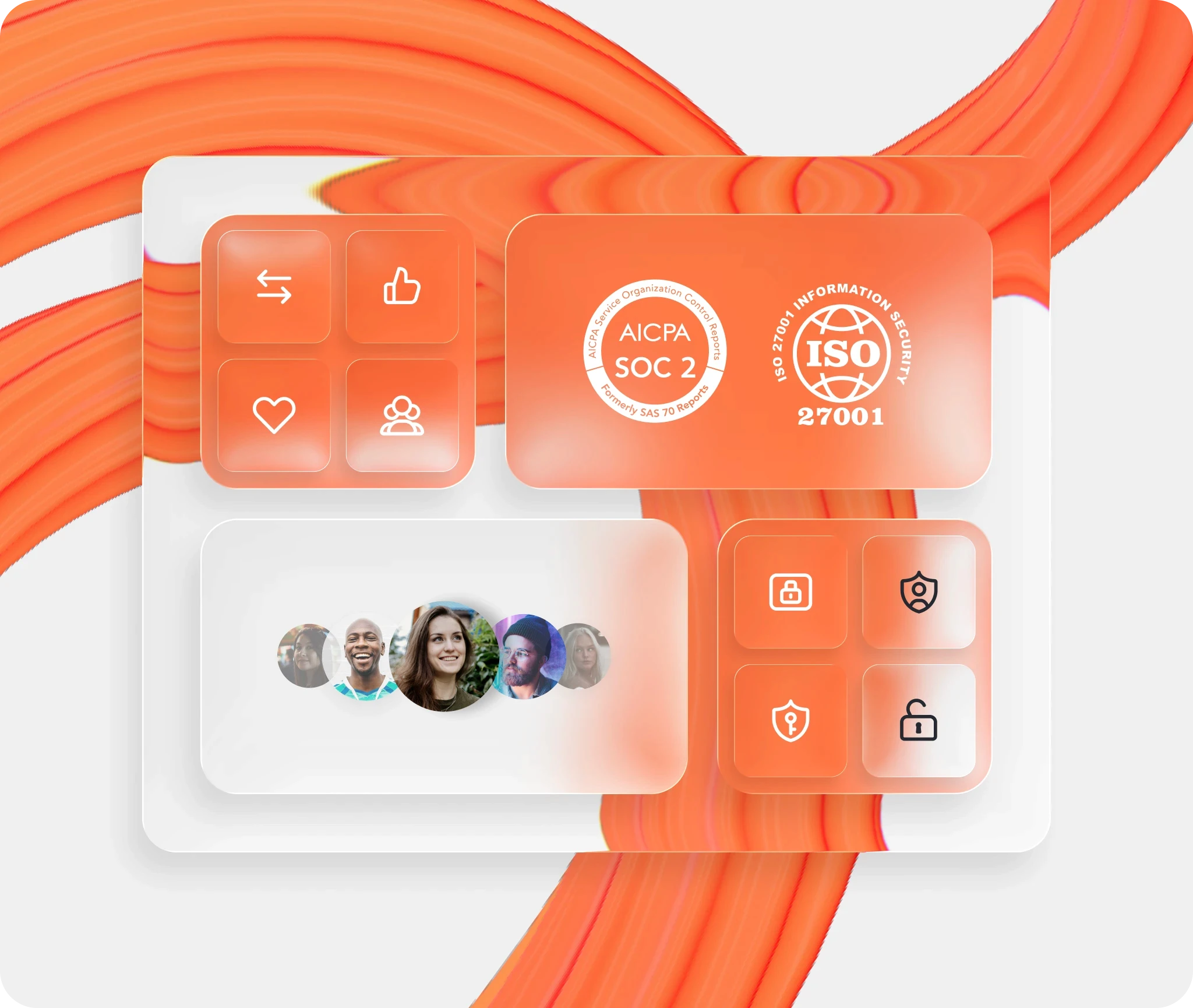
Security and compliance
We are SOC 2, ISO 27001 and GDPR compliant, with SAML-based SSO to meet your security and data requirements.
Auth-protected content
With authenticated access, only your chosen customers, team members or authorized users can view your docs.


“The GitBook MCP is our programmatic handshake to the world — and it’s going to greatly compress time to market for our partners and integrators.”
John Lueders
,
VP of Developer Experience
FreedomPay

“The GitBook MCP is our programmatic handshake to the world — and it’s going to greatly compress time to market for our partners and integrators.”
John Lueders
,
VP of Developer Experience
FreedomPay
customers
Companies like yours are building better docs with GitBook
Companies like yours are building
better docs with GitBook
Companies like yours are building better docs with GitBook
Accurate docs. Better answers.
Your docs are already feeding AI. Are users getting the right answers or the wrong ones?
Accurate docs. Better answers.
Your docs are already feeding AI. Are users getting the right answers or the wrong ones?
Accurate docs. Better answers.
Your docs are already feeding AI. Are users getting the right answers or the wrong ones?
Accurate docs. Better answers.
Your docs are already feeding AI. Are users getting the right answers or the wrong ones?
Product
Create & Publish
Solutions
Resources
© 2026 Copyright GitBook INC.
440 N Barranca Ave #7171, Covina, CA 91723, USA. EIN: 320502699
Get an AI summary

The State of Docs Report 2026
State of Docs brings together insights from documentation experts from across the industry

Product
Create & Publish
Solutions
Resources
© 2026 Copyright GitBook INC.
440 N Barranca Ave #7171, Covina, CA 91723, USA. EIN: 320502699
Get an AI summary
The State of Docs Report 2026
State of Docs brings together insights from documentation experts from across the industry

Product
Create & Publish
Solutions
Resources
© 2026 Copyright GitBook INC.
440 N Barranca Ave #7171, Covina, CA 91723, USA. EIN: 320502699
Get an AI summary
The State of Docs Report 2026
State of Docs brings together insights from documentation experts from across the industry