Product updates
Published:
10 Dec, 2025
Introducing the next era of docs with GitBook Agent

AI summary
GitBook has launched its new AI-driven GitBook Agent, an intelligent collaborator designed to help teams automatically update, review, and maintain documentation to keep it in sync with their products. This beta release also includes a centralized change requests screen to streamline team workflows, with future updates planned to enable proactive documentation generation based on real-world product signals.
Today, we’re launching two major milestones that bring our vision for the future of docs to life:
⚡ GitBook Agent: now available in beta
✨ A refreshed GitBook website: modern, dynamic, and future-ready
Together, they mark a new era of documentation: one where content stays accurate automatically, adapts to users’ needs, and stays deeply connected to your product.
That’s the future we’ve been building toward — and with GitBook Assistant, adaptive content, and now GitBook Agent, it’s no longer just a vision.
Your product and your docs in sync at last

Historically, documentation has been forced to play catch up. You ship the product first, then scramble to explain it later — while users search for information, support teams repeat answers, and docs slowly fall out of sync with the product.
Modern documentation has to evolve alongside the product — and inform its development. Users expect accurate information instantly, and don’t want to switch to another tool or have to go searching for it.
From now on, documentation must:
Update alongside product changes
Reflect real user conversations
Empower support and success teams
Feed accurate knowledge into AI systems.
Great documentation is the difference between retention and churn. It helps your users find more value in your product.
And that’s why we built GitBook Agent: a collaborator who works alongside your team to ensure your docs are accurate, updated, and fueling growth.
Meet GitBook Agent
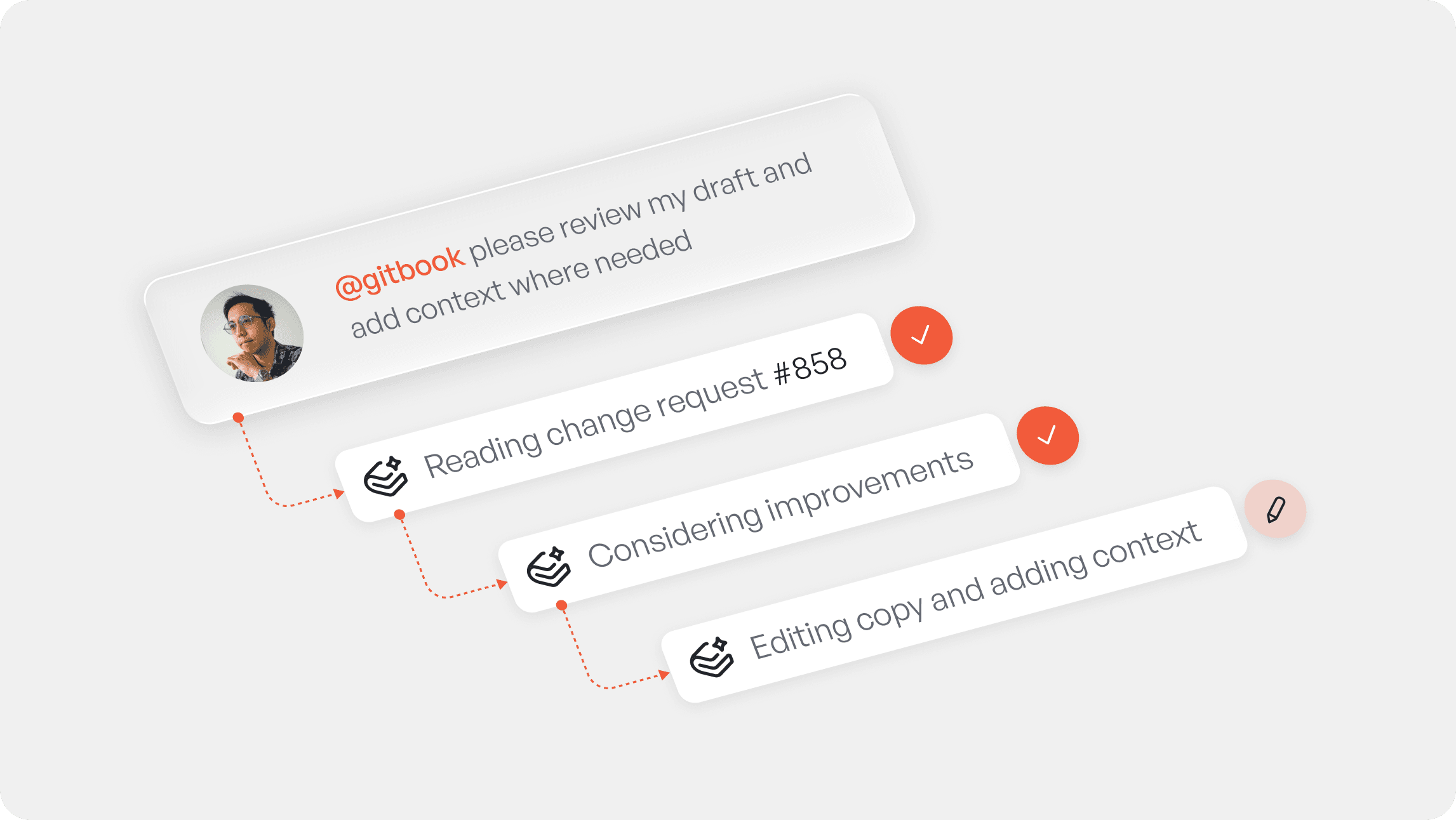
GitBook Agent works with your team to make writing, reviewing and maintaining docs easier.
And because the Agent is deeply integrated into GitBook, you don’t need to learn new workflows to take advantage of it. Tag @gitbook to ask it to look at a specific block, or request a change request review from it just like you would from anyone else in your team.
It’s an AI collaborator that can speed up your team’s work and adds an extra layer of quality control to your docs.
What can GitBook Agent do today?
Here’s a quick breakdown of what the Agent can do in GitBook today, integrated into your existing workflows:
Write docs based on a prompt: Ask the Agent to update a page with the latest information, replace every mention of a product name with a new name, or anything else you need.
Ideate and implement bigger changes: Describe what you need and the Agent will open a change request, explain its planned edits, respond to your feedback, and then implement the plan you’ve created together.
Understand your style guide: Add your style guide into your org’s settings and it will always apply it when writing or reviewing content.
Follow custom, organization-level instructions: Give the Agent specific instructions at an organization level, such as adding links in specific ways, or avoiding specific block types.
Summon from a comment: Add a comment to any block on your page, type @gitbook and tell the Agent what you need.
Review your changes: Add the Agent as a reviewer on your change request. It can act as a docs linter, identifying or fixing errors, suggesting improvements and flagging style guide deviations.
GitBook Agent is currently in open beta — you can find it in the app right now.
A new way to work with change requests
GitBook Agent integrates seamlessly into the way you and your team already works — and that inspired another major improvement to those existing docs workflows.
We’ve introduced a new change requests screen that brings every update across your organization into one clear, centralized place.
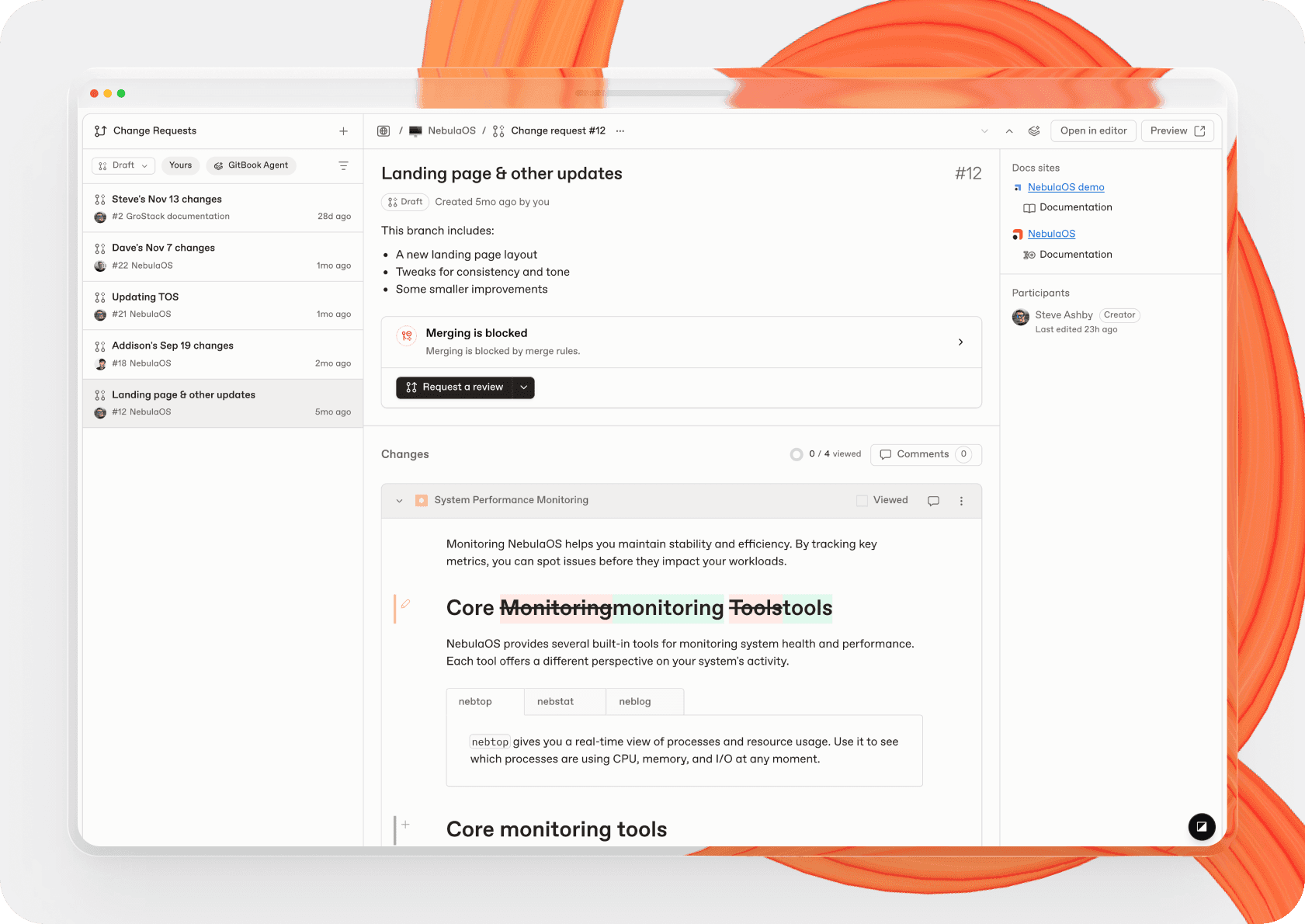
It’s built for speed and focus — making it easier to navigate, filter, review, and ship docs updates efficiently.
And when GitBook Agent is involved, that experience gets even better. You can instantly:
View all the change requests the Agent has opened for you or contributed to
Request the Agent’s review on any change request right from the list
Collaborate with the Agent as though its just another one of your teammates.
This is your new command center for documentation changes. And it also forms the foundation for what’s coming next — as GitBook Agent becomes more proactive and more intelligent.
Next for GitBook Agent: proactive docs generation
Today, GitBook Agent is reactive — like a teammate that’s great at taking directions.
Soon, it will evolve into a proactive partner — a teammate that takes the initiative, spotting gaps, proposing updates, and keeping your docs aligned with your product automatically.
Most AI agents lack context, so they can only react to direct instructions in a prompt to generate a useful output.
But soon, GitBook Agent will be able to connect to the same signals your team uses to understand both your product and what your users need: support conversations, Slack threads, GitHub issues, and more.
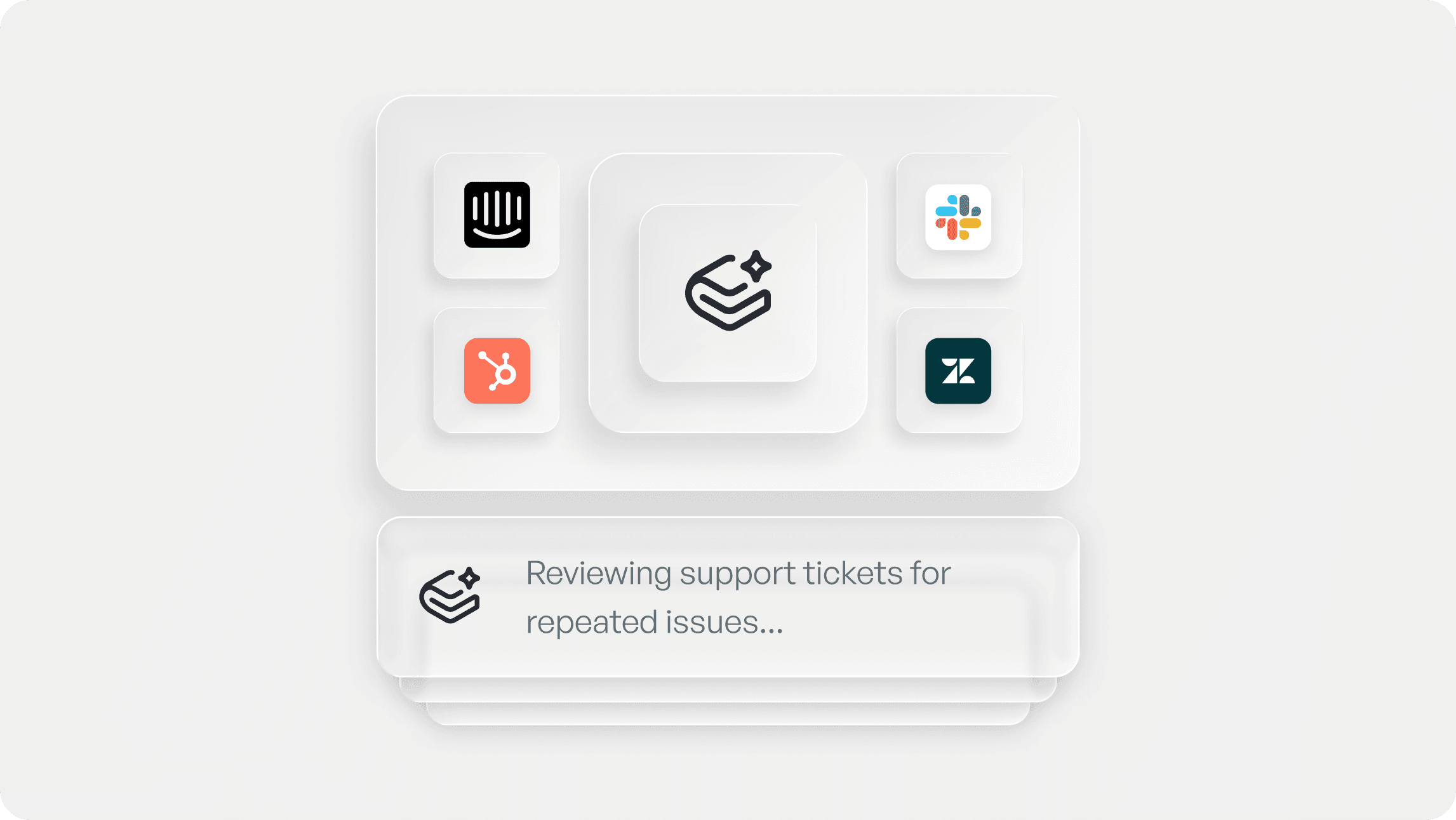
With this context, the Agent can proactively identify gaps, propose updates and generate docs changes automatically. So your docs can evolve with your product, and your users always get the right information when and where they need it.
Want to see how GitBook Agent will revolutionize the way you manage your docs? Head to Organization settings > Docs Agent to request for early access.
And lastly, a refreshed GitBook website for the next generation
Finally, if you’ve visited our homepage today, you’ll have seen something new.
We updated our website to better reflect what GitBook has become:
Faster and clearer to navigate
Designed around modern docs workflows
Confident, future-facing, and boldly orange 🧡
This is a huge moment, and there’s more to come
GitBook Agent is available in beta today, with proactive capabilities expanding early next year.
We’re proud to help lead the biggest leap forward documentation has ever seen — alongside GitBook Assistant, adaptive content, and everything else we’re building for the future of docs.
Here’s to a new era where documentation finally keeps pace with your product.
We can’t wait to share what’s next.
Share



Read more
Product updates
Get the GitBook newsletter
Get the latest product news, useful resources and more in your inbox. 130k+ people read it every month.






Accurate docs. Better answers.
Your docs are already feeding AI. Are users getting the right answers or the wrong ones?
Accurate docs. Better answers.
Your docs are already feeding AI. Are users getting the right answers or the wrong ones?
Accurate docs. Better answers.
Your docs are already feeding AI. Are users getting the right answers or the wrong ones?
Product
Create & Publish
Solutions
Resources

© 2026 Copyright GitBook INC.
440 N Barranca Ave #7171, Covina, CA 91723, USA. EIN: 320502699
Get an AI summary




The State of Docs Report 2026
State of Docs brings together insights from documentation experts from across the industry
Product
Create & Publish
Solutions
Resources
© 2026 Copyright GitBook INC.
440 N Barranca Ave #7171, Covina, CA 91723, USA. EIN: 320502699
Get an AI summary
The State of Docs Report 2026
State of Docs brings together insights from documentation experts from across the industry

Product
Create & Publish
Solutions
Resources
© 2026 Copyright GitBook INC.
440 N Barranca Ave #7171, Covina, CA 91723, USA. EIN: 320502699
Get an AI summary
The State of Docs Report 2026
State of Docs brings together insights from documentation experts from across the industry