Integration

Intercom Connector
Automatically sync Intercom tickets to docs updates in GitBook.
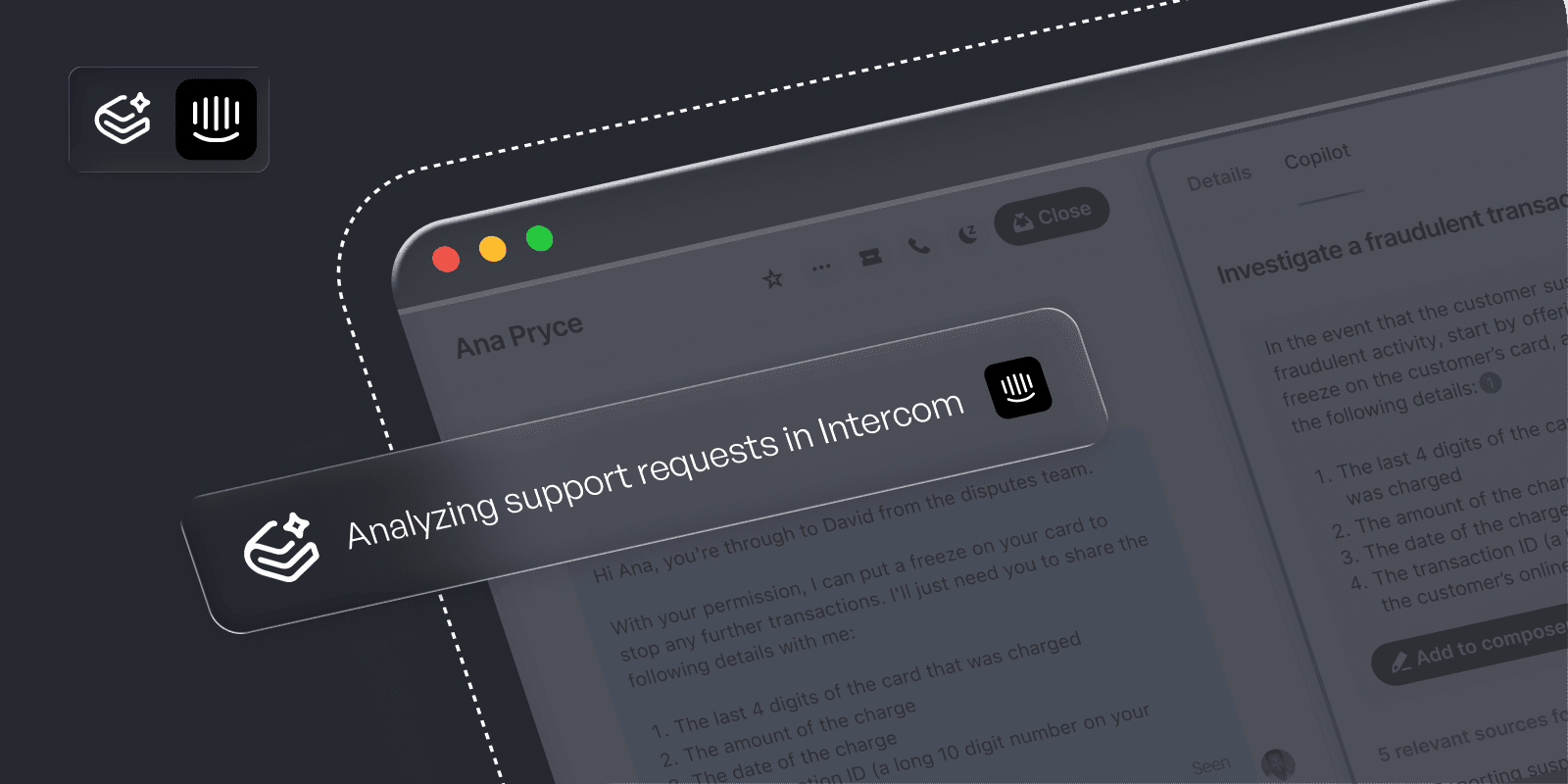
Overview
Connecting Intercom to GitBook turns every resolved ticket into documentation intelligence. The integration ingests conversation data, spots recurring issues, and surfaces where your docs need to be clearer, more accurate, or more complete.
How it works
GitBook Agent analyzes incoming conversations, identifies patterns, and highlights gaps in your documentation. When it finds issues, it opens proactive change requests with suggested edits, drafted improvements, and the context behind each recommendation. You can also @mention the AI agent or chat with it directly to speed up reviews and polish updates.
Configure
1. Authorize GitBook to access Intercom
Install the GitBook app in your GitBook account, then open its settings and click Connect Account. This allows GitBook to pull closed tickets and their conversation history while automatically stripping sensitive data.
2. Select which conversations to use
Choose the inboxes, tags, or teams that best represent your customers. GitBook uses this data to understand issues, trends, and gaps.
3. Let the GitBook Agent learn
GitBook analyzes each conversation to detect FAQs, outdated content, unclear explanations, missing troubleshooting steps, and opportunities to improve clarity.
4. Watch it open proactive change requests
As patterns emerge, GitBook creates change requests with proposed edits, context from customer conversations, and a working draft written by the AI agent.
5. Refine with the AI agent
Inside any change request, @mention the agent or open its chat panel to request rewrites, clarifications, or additions. You stay in control while the agent accelerates updates.