Product updates
Published:
30 Apr, 2026
New this month: GitBook in Linear, Slack & GitHub

AI summary
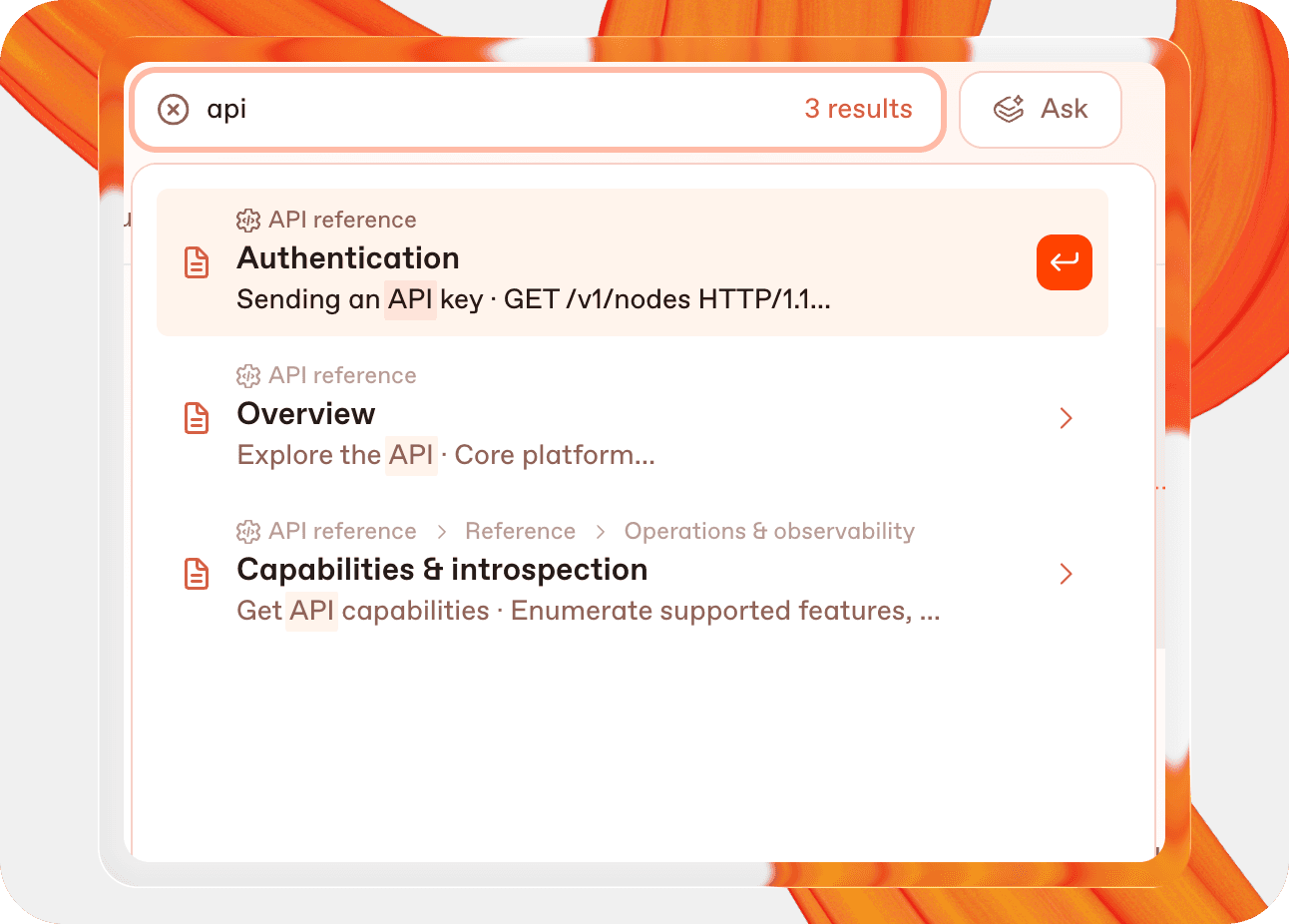
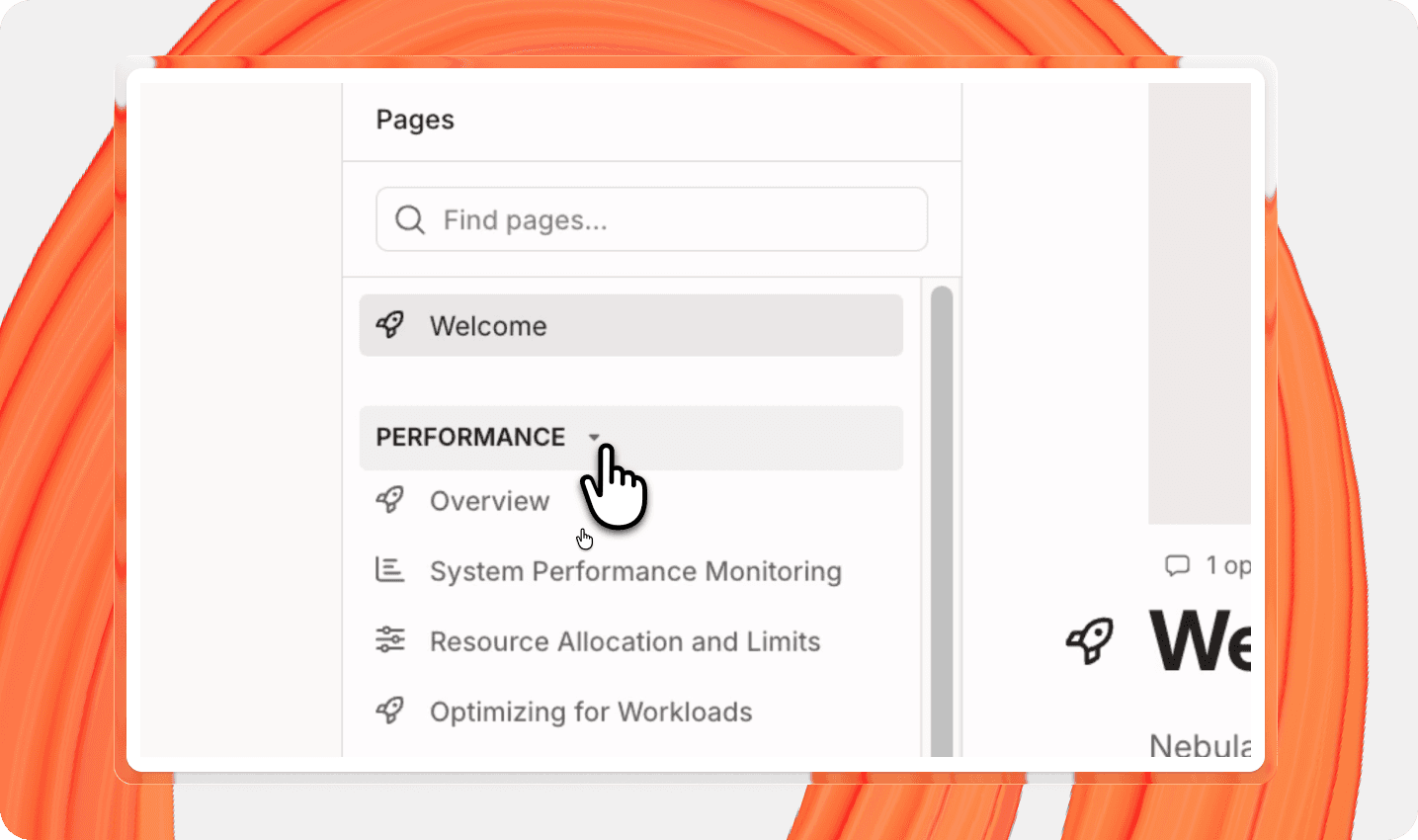
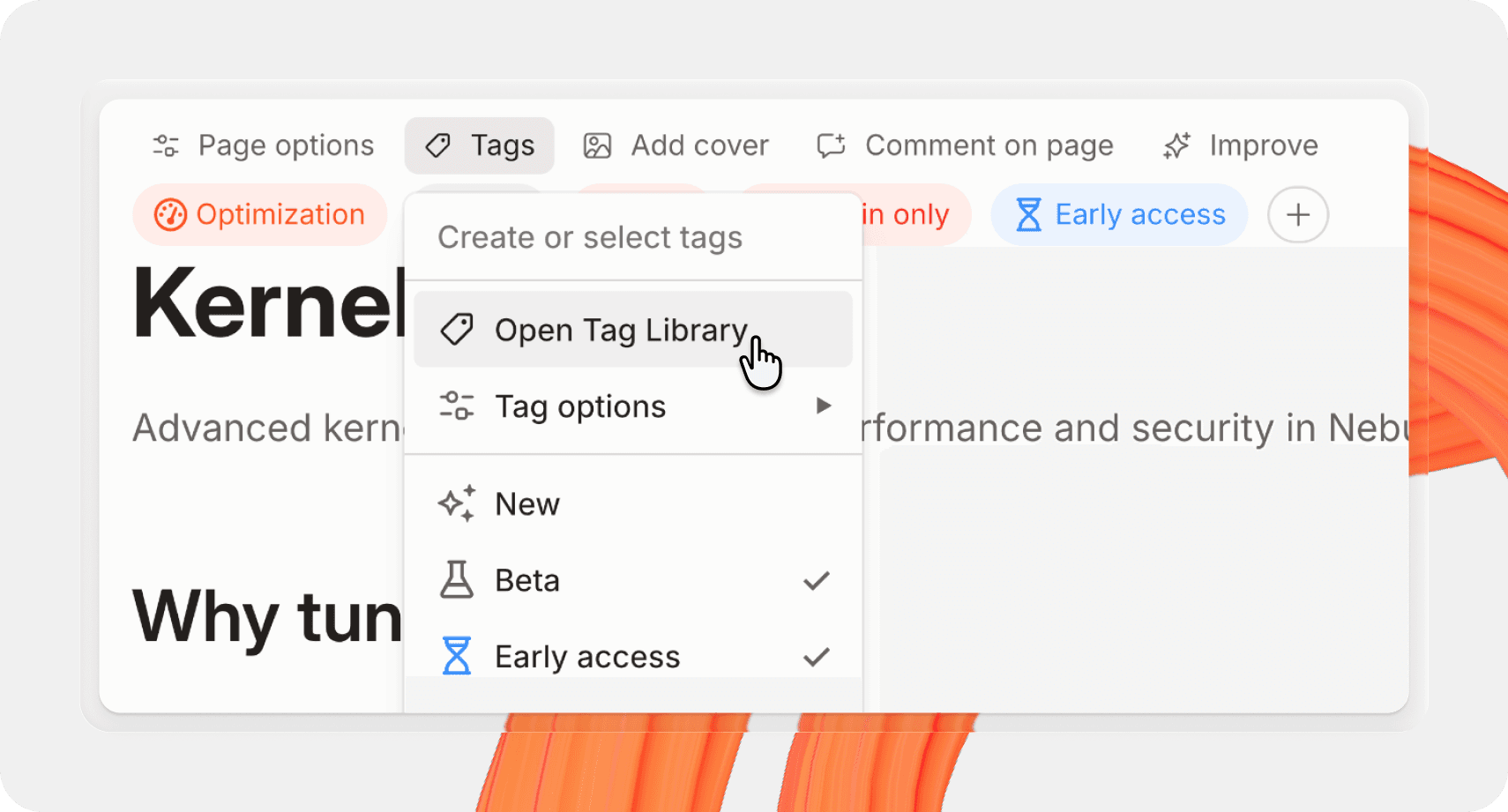
GitBook’s latest update introduces new channels for Slack, GitHub, and Linear that allow the AI assistant to provide real-time documentation support and create actionable documentation change requests directly from your workflows. Additional improvements include significantly faster search performance, new collapsible sidebar groups for better organization, and a simplified process for managing page tags.
Share


Read more
Product updates
Get the GitBook newsletter
Get the latest product news, useful resources and more in your inbox. 130k+ people read it every month.

7 Sep, 2026
How we rebuilt GitBook’s docs

Addison Schultz
DevRel Lead

Sarah Dugan
Docs Lead

4 Jun, 2026
New this month: GitBook Agent in your editor, AI insights go deeper, and integrations in reusable content

Suzy Everist
Product Marketing Lead

31 Mar, 2026
Close the product knowledge loop
Suzy Everist
Product Marketing Lead




