Tutorials & tips
Published:
24 Feb, 2026
skill.md explained: How to structure your product for AI agents

AI summary
A skill.md file is a structured technical document designed to help AI agents navigate and execute workflows within your product reliably. By defining clear capabilities, constraints, and operational steps in this standardized format, you enable machines to follow instructions accurately while reducing the risk of hallucinations.
AI agents are rapidly becoming part of how people use software. They don’t just answer questions — they execute workflows, call APIs, and take action inside products. But to make that possible, they need structured guidance.
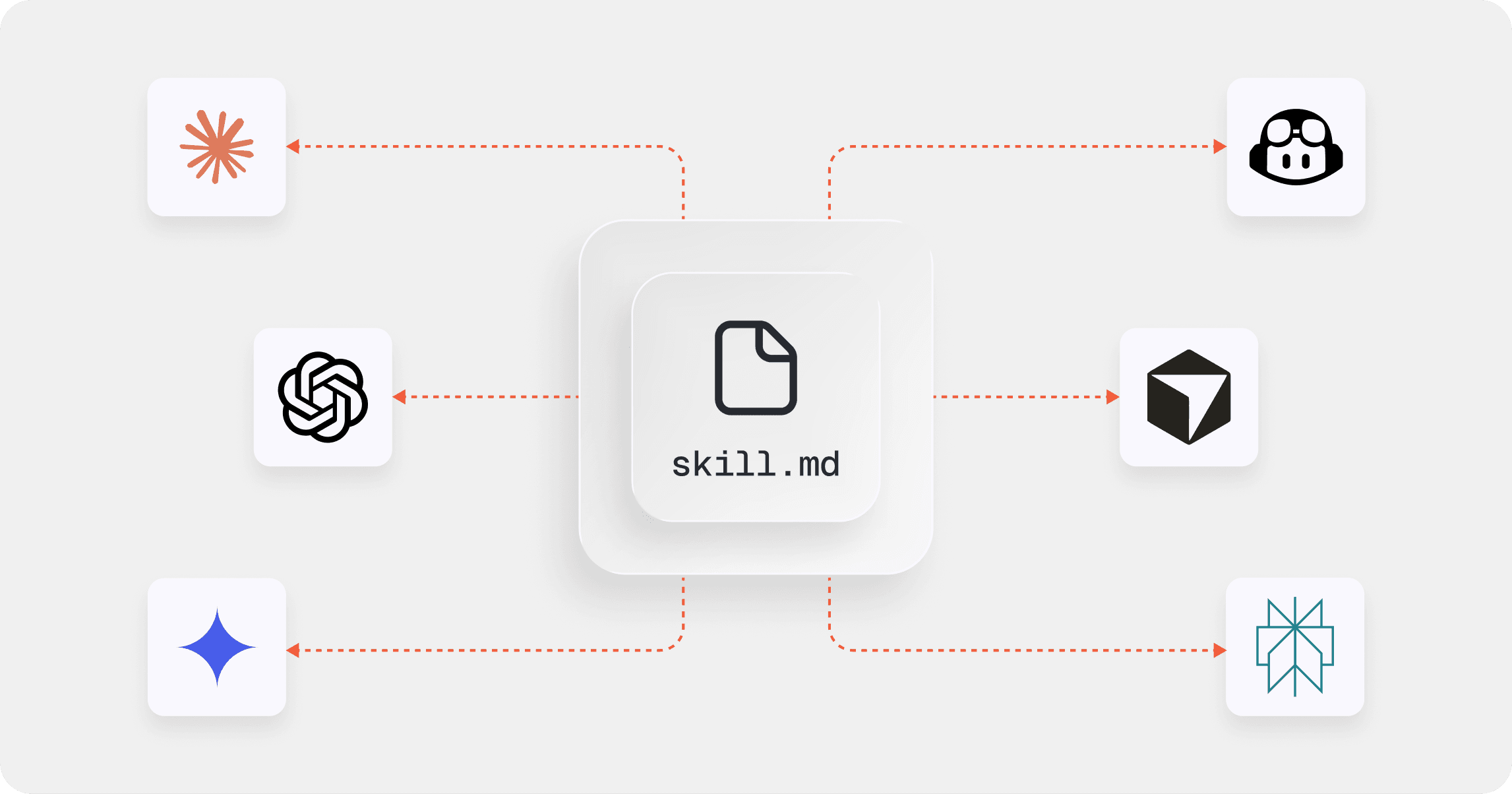
That’s where a skill.md file comes in. While AI standards are evolving quickly, skill.md is emerging as a practical, universal pattern. It’s simple, Markdown-based, and designed to help AI agents understand how to use your product correctly.
In this guide, we’ll explain what a skill.md file is, why it matters for AI documentation, how to write a good one. We’ll also discuss why your product documentation is the best place to host it, and explore the best documentation tool to help you do it.
What is a skill.md file and why is it important?
A skill.md file is structured technical documentation written specifically for AI agents.
Instead of describing features for humans, it defines capabilities, workflows, constraints, and sequencing in a way machines can follow. In other words, it translates your product into actionable instructions.
This matters because AI agents don’t just need API endpoints — they need context. If a user asks an agent to “set up a new workspace and invite the team,” the agent must know which operations to run, in what order, and under what conditions.
A strong skill.md file reduces guesswork and improves reliability. And by grounding AI behavior in authoritative product documentation, it also helps minimize hallucinations.
As AI documentation becomes a competitive advantage, skill.md becomes part of the product experience — ensuring your technical documentation is usable not just by people, but by machines.
How to write a useful skill.md file
A good skill.md file includes things like structured instructions, in-depth explanations of features, and overviews of how different pieces of software are meant to work together.
It isn’t marketing content or support documentation — it’s operational guidance. The goal is to help an AI agent execute tasks predictably.
Here are some guidelines that we used when creating our own skill.md file for GitBook.
Define clear boundaries
Start with a short section that explains when this skill should be used.
Is it intended for API usage? CLI workflows? Git repositories? Specific permission levels?
Being explicit about scope prevents agents from applying the wrong logic in the wrong context, and setting clear boundaries dramatically reduces misuse.
Provide a structural overview
Before describing workflows, orient the model.
Identify the core objects in your product, key configuration files, or primary entry points. This gives the agent a mental map of your system before it begins acting. LLMs perform better when they understand structure first, then action.
Document workflows — not features
Avoid abstract feature descriptions. Instead, describe how to complete real tasks step by step.
If a workflow requires a specific sequence, state the order directly. If permissions, prerequisites, or environment setup are required, list them clearly. Precision reduces ambiguity — and less ambiguity makes AI behavior more reliable.
Include simple “if/then” decision rules
If there are multiple ways to accomplish something, clarify when to choose one over another.
Short “if/then” guidance in plain language can significantly improve consistency. For example: if the task requires sequential steps, follow the ordered process; if it presents alternatives, surface options clearly.
These lightweight rules help LLMs choose correctly instead of guessing.
Add guardrails and common pitfalls
Your skill file shouldn’t just describe what can be done — it should also define limits.
Include a short section that outlines unsupported actions, configuration conflicts, environment constraints, or known failure modes. Negative constraints are powerful for LLMs. They reduce subtle mistakes that would otherwise require human review.
Finally, ensure your skill.md stays aligned with your broader product documentation. It isn’t a replacement for full technical documentation — it’s a focused layer that helps AI agents use it correctly.
If you already have product docs, this skill generator can help you build a skill.md draft from your existing documentation, giving you a head-start in building skills for your product. It will still need reviewing and improving manually, but it may kickstart this process for you.
Why your docs are the right place to host skill.md
Your documentation site is already your product’s source of truth. It’s version-controlled, maintained by your team, and updated alongside product releases. So hosting your skill.md file there ensures it stays accurate and discoverable.
Many teams create a dedicated page — either visible in navigation or as a stable direct URL. What matters most is consistency and accessibility for AI agents.
At GitBook, we host our own skill file inside our documentation. It enables AI agents to understand GitBook’s docs-as-code workflows, including GitHub sync, branching, and pull request processes.
And because GitBook is an AI-native documentation platform, the entire docs site’s content is structured and optimized for LLM ingestion automatically. That makes it easier for both humans and machines to interpret your entire documentation reliably.
Build on an AI-native documentation platform
Creating a skill.md file is a strong first step. But long term, you need an AI documentation platform that supports this wider shift.
And while custom-built docs platforms might allow for flexibility and custom code, maintaining them is already resource-intensive. As AI standards and agent capabilities evolve quickly, keeping a homegrown system aligned with — and optimized for — the latest developments requires consistent engineering investment.
GitBook is an all-in-one, AI-native docs platform that takes away that stress. It includes built-in AI tools that help teams draft, structure, and improve content. And GitBook Assistant is built into your docs site, so your end-users can chat to an AI product expert that’s trained on your docs whenever they need it.
As AI becomes embedded in software workflows, documentation is becoming infrastructure. A well-crafted skill.md file makes your product usable by AI agents. And an AI-native platform like GitBook ensures it stays accurate, structured, and future-ready.
→ Read our skill.md documentation
Share



Read more
Tutorials & tips
Get the GitBook newsletter
Get the latest product news, useful resources and more in your inbox. 130k+ people read it every month.



Accurate docs. Better answers.
Your docs are already feeding AI. Are users getting the right answers or the wrong ones?
Accurate docs. Better answers.
Your docs are already feeding AI. Are users getting the right answers or the wrong ones?
Accurate docs. Better answers.
Your docs are already feeding AI. Are users getting the right answers or the wrong ones?
Product
Create & Publish
Solutions
Resources

© 2026 Copyright GitBook INC.
440 N Barranca Ave #7171, Covina, CA 91723, USA. EIN: 320502699
Get an AI summary




The State of Docs Report 2026
State of Docs brings together insights from documentation experts from across the industry
Product
Create & Publish
Solutions
Resources
© 2026 Copyright GitBook INC.
440 N Barranca Ave #7171, Covina, CA 91723, USA. EIN: 320502699
Get an AI summary
The State of Docs Report 2026
State of Docs brings together insights from documentation experts from across the industry

Product
Create & Publish
Solutions
Resources
© 2026 Copyright GitBook INC.
440 N Barranca Ave #7171, Covina, CA 91723, USA. EIN: 320502699
Get an AI summary
The State of Docs Report 2026
State of Docs brings together insights from documentation experts from across the industry