Research
Published:
15 May, 2026
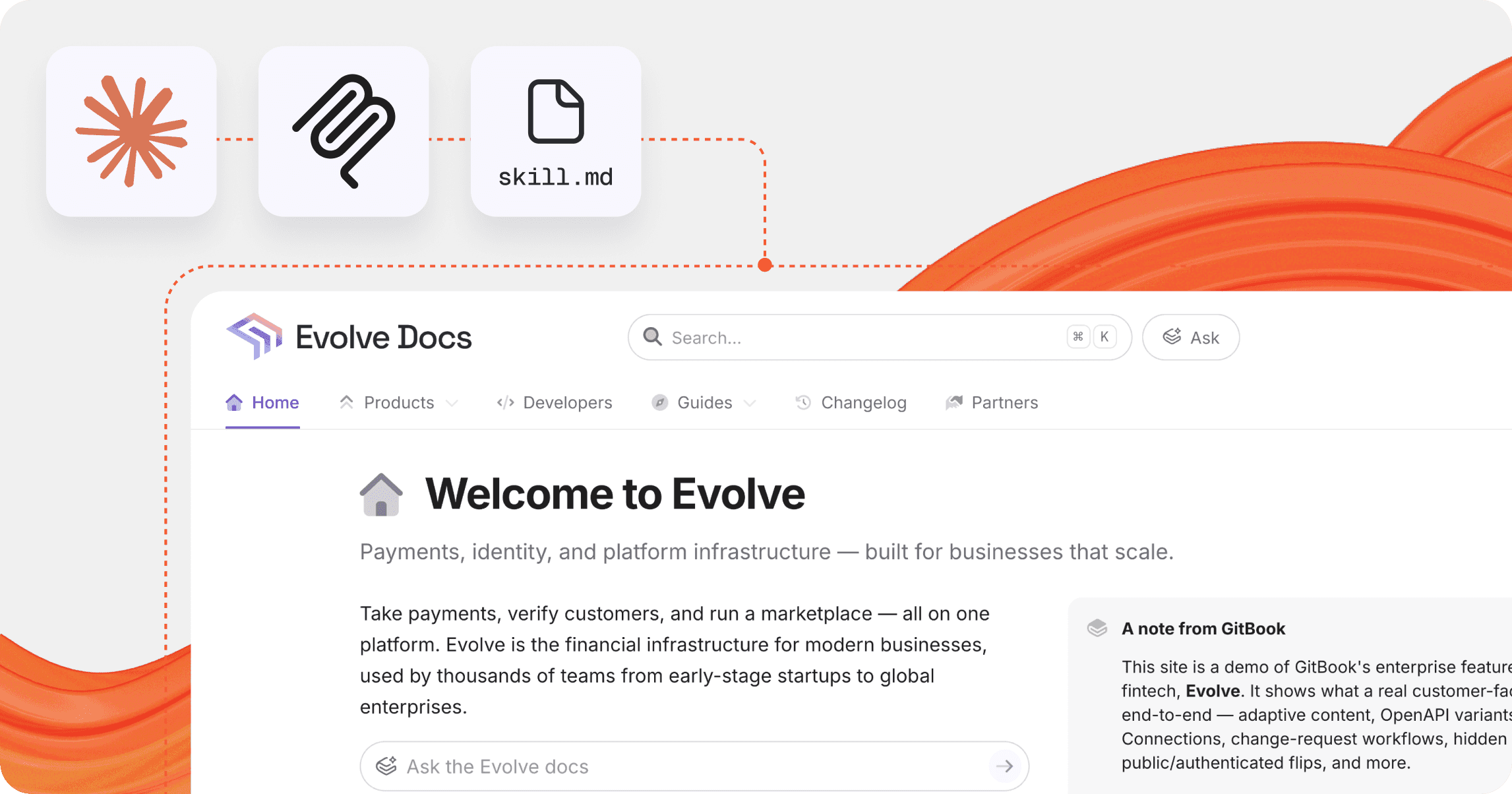
What we learned building a complete docs site using Claude, MCP and skill.md

AI summary
This experiment tested how effectively AI can build comprehensive documentation sites using Claude, MCP, and skill files. While AI can rapidly generate content, the project highlighted that human judgment remains essential for achieving high-quality structural coherence and effective feature usage across complex systems.
We wanted to build a demo documentation site that actually felt real — something we could use to show GitBook at its best. Not just in terms of features, but in how a complete, well-structured docs site should look and behave.
I also wanted to test another question: How far can AI actually go when it comes to building documentation systems, not just individual pages? And just as importantly, are our own docs and tooling good enough to support that?
There’s a growing assumption that tools like Claude can “just do everything.” This was a good opportunity to test that idea in a practical way.
The setup
The stack itself was simple enough, and acted as a good test of our own features and tooling. I told Claude what site I wanted to build and how to build it, then gave it access to a new Git repository (to write site content) in. Using Git Sync, the generated content could be published to the newly-created site.
Claude acted as first my brainstorming partner, dreaming up the imaginary brand and site structure, and subsequently as the builder. I connected it to GitBook’s MCP server (automatically generated from our documentation) to teach it how to write content and build sites.
One part of the setup still required manual work: Git Sync couldn’t be handled through MCP or the API — something we’re currently working to improve. For now I had to configure that separately before Claude could work effectively within the repository.
I also wanted the agent to complete site-level tasks — things like structuring the site navigation, handling localized variants, and setting up customization options. The GitBook API can do all of this and more. I pointed Claude to the GitBook API docs, provided it my access token (without storing it), and within minutes it had created a fully-configured site with all fields set according to the site structure and brand we had established.
Once things were synced and set-up, Claude could create and update content in pull requests, work within a structured environment, and operate against something much closer to a real workflow.
But the more I pushed it, the more it became clear that MCP access alone wasn’t enough.
Where things started to break
Because the documentation itself was entirely fictional, Claude had no trouble generating content based on a fairly simple prompt. It could produce pages quickly, and those pages looked convincing. The issues only became clear when looking at the site as a whole.
Claude could generate content, but it didn’t naturally think in terms of documentation systems — how information is grouped, how users move through it, or how different pages relate to each other. I had to define the page structure and useful block patterns (like cards, steppers, and buttons to open the Assistant) manually, and even then it sometimes failed to create a useful hierarchy between pages.
The bigger challenge was that, even when it used GitBook features correctly, Claude didn’t always use them effectively. Blocks were technically valid, but not always appropriate for the context. It tended to default to simpler patterns even when more structured layouts like cards would have been more useful.
There were also technical limitations. In areas where our documentation didn’t fully cover more complex workflows — particularly around Git Sync — Claude would hit a wall and struggle to move forward.
At this point, MCP was doing exactly what it was designed to do — using our docs to explain how things worked. But it wasn’t enough to produce a coherent system on its own.
Introducing a content-level skill.md
To understand what was missing, we asked Claude to explicitly identify the problems it couldn’t solve. It came back with a list of 43 issues.
But it turned out there was a tool I hadn’t utilized yet, so I introduced it to see if it could solve any of Claude’s challenges: our existing skill.md file. If MCP provides tools and context, skill.md defines how those tools should be used — shaping structure, tone, and patterns so that the output feels consistent across an entire docs site.
Related: skill.md explained: How to structure your product for AI agents
With the skill file, Claude could overcome more than half of the problems it had found. For anything not covered, I expanded the skill file manually based on the gaps Claude identified.
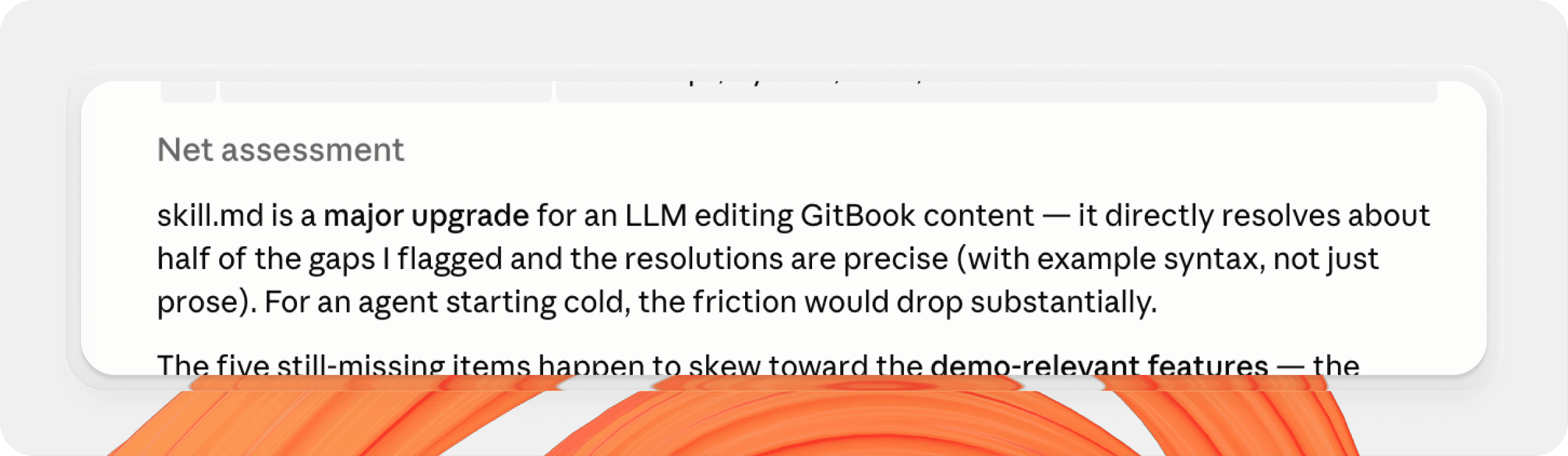
What was particularly interesting was that Claude didn’t just solve the problems it had found. With the extra context of the skill file, it also revisited its earlier work and improved it.
That change — from generating content to evaluating and refining it — made a noticeable difference in the overall quality of the site.
Where things still fell short
Our docs and the skill.md file both explain how to use GitBook features, but they don’t always explain when or why you should use them. That kind of judgment is something experienced documentation writers develop over time — and it’s not something the model can infer reliably without explicit guidance.
As a result, Claude tended to default to basic patterns. It would use bullet lists for ‘Related links’ sections instead of more structured card layouts, rely heavily on the default hint block style even when other styles would be more appropriate, and sometimes structure components in ways that technically worked but didn’t feel intentional.
None of these issues were critical on their own, but they meant the produced demo docs didn’t live up to their full potential. And this highlighted an important knowledge gap — the difference between using a feature correctly and using it well.
Where we had to step in
To help Claude understand how to use certain blocks most effectively, I created or tweaked a few specific block layouts within the generated docs myself using the GitBook editor. I then pulled those changes into my local repo and directed the agent to them so it could analyze and understand their formation. Once it had that extra context, it could apply its learnings across the docs immediately to improve layout and consistency.
I also spent a significant amount of time iterating on prompts and refining the skill file itself, especially as new gaps became apparent.
That final layer of polish — the last 20% — required a disproportionate effort than the initial generation. Claude had published a working docs site for me within 10 minutes, but I had spent hours tweaking the output to feel more real.
In other words, AI made the process faster, but it didn’t remove the need for judgment. Human input is still absolutely essential.
What we learned
A few patterns became clear through this process.
Thinking in systems matters more than thinking in prompts. One-off instructions can get you started, but they don’t scale across an entire docs site.
skill.mdplays a critical role in maintaining consistency and accuracy, especially when generating content at scale.MCP is powerful, but it works best when paired with clear guidance on how to use that power.
Perhaps most importantly, it’s clear that AI works best when the problem is well scoped, the structure is clearly defined, and the AI has quality reference materials while it works. That’s not new information, but this experiment served as further proof.
Want to generate your own skill.md files for your docs? Our skill generator can turn a docs URL into a usable agent skill file draft, ready for you to improve and share.
The outcome
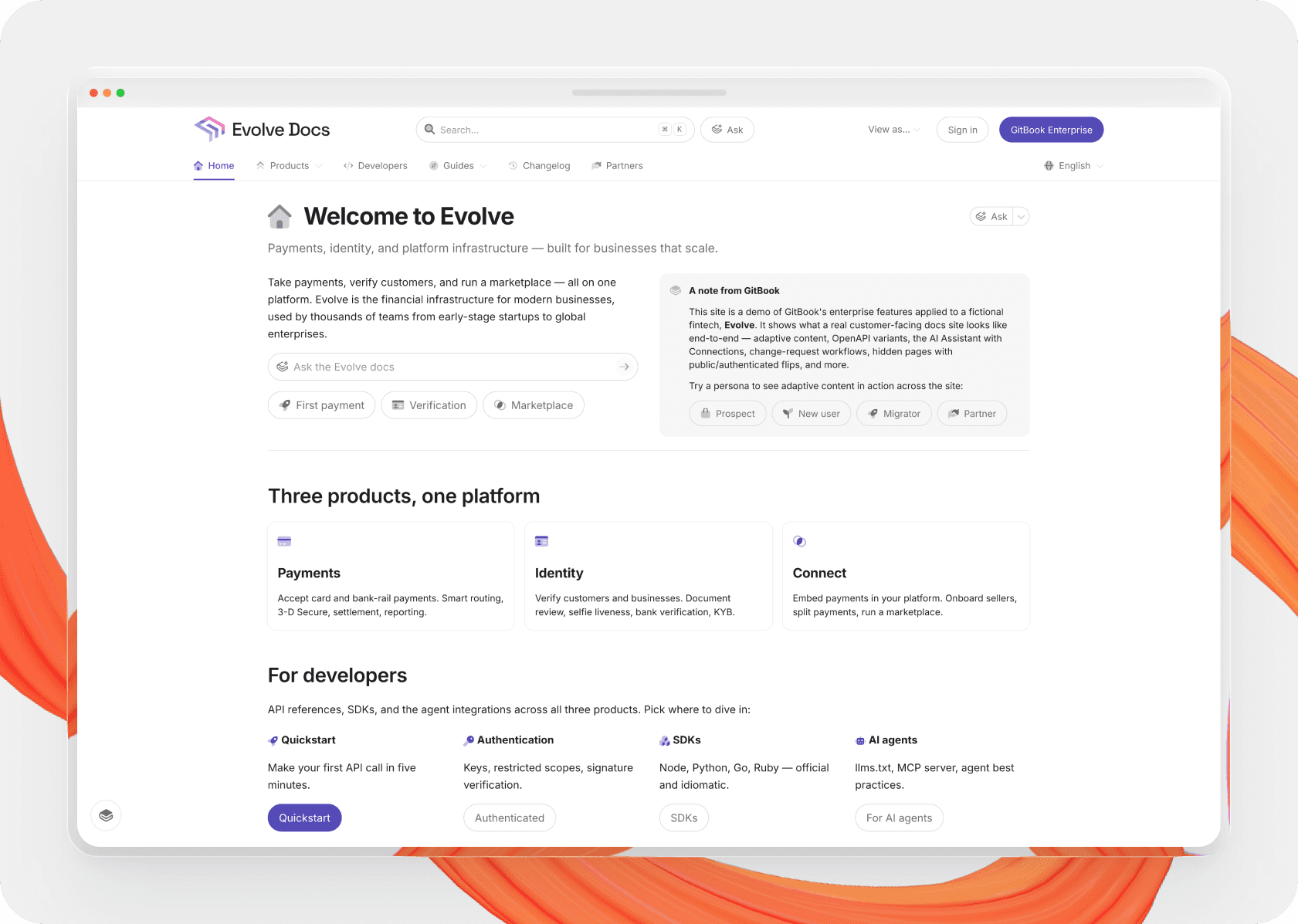
The end result was a complete demo docs site that we can use internally and as a prototype for what’s possible. You can check it out for yourself here.
I don’t think I’d confidently say the site is fully production-ready, but it’s a strong starting point. And more importantly, it gave us a much clearer understanding of where the gaps are, both in how we guide AI and how we structure our own documentation.
We’ve already started acting on those learnings. That includes improving our existing skill.md and documentation to cover some of the blind spots we identified, thinking about how to make skill files more discoverable through MCP, and exploring a dedicated “site admin” skill that can handle structure and configuration through the API.
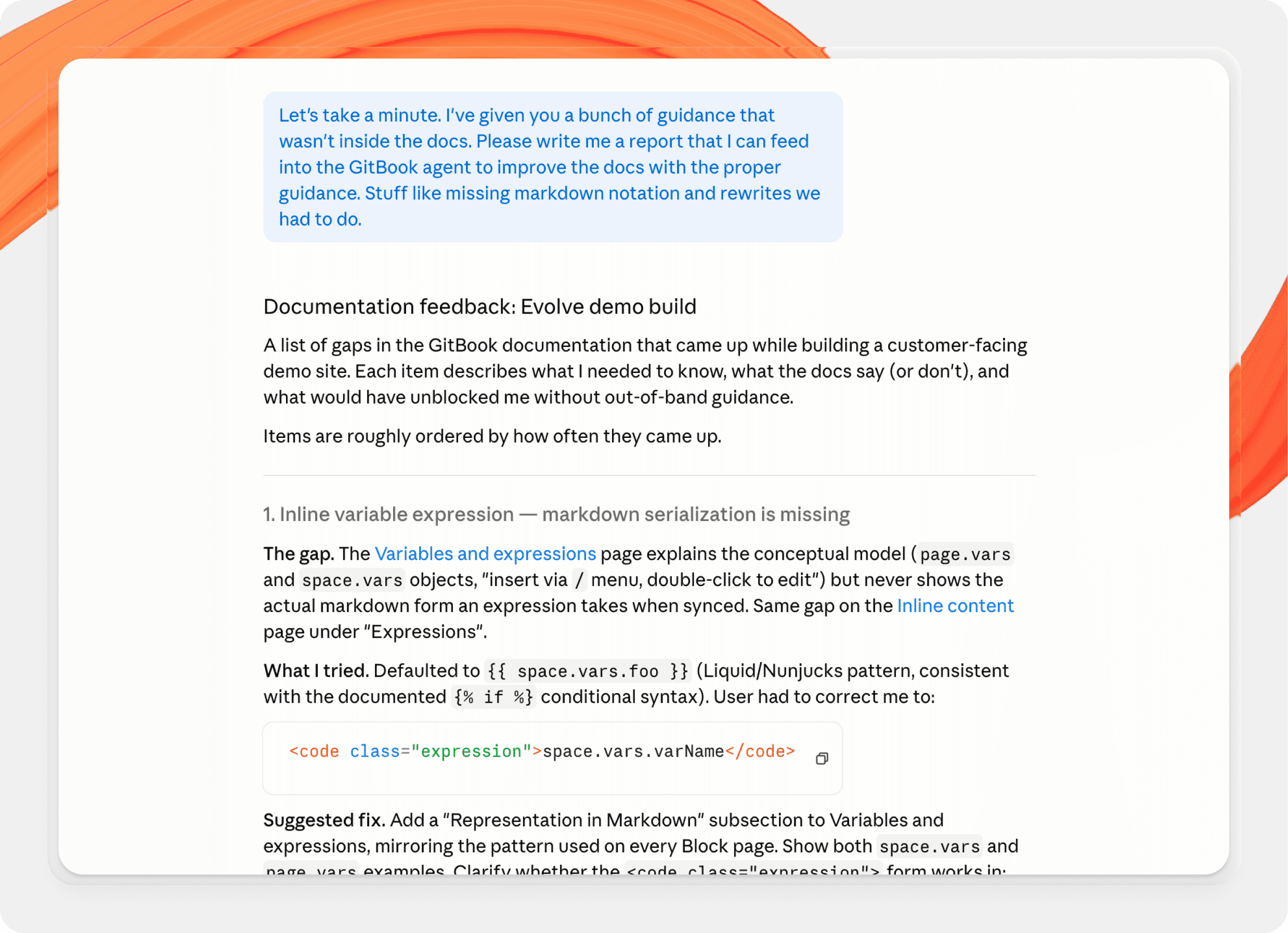
It’s also prompted us to look more closely at our developer documentation. We’re particularly focusing on how clearly it communicates workflows to agents rather than just humans. There’s no better litmus test for the quality of your docs than to have an AI agent solely relying on them to get anything done.
This experiment didn’t just produce a demo site — it gave us a foundation. One that’s already shaping how we build, structure, and expose documentation for both humans and AI, and setting us up for the next stage of making this process more repeatable and useful in real-world scenarios.
→ MCP explained: What is an MCP server and why it matters for documentation
→ AI is changing tech writers’ work — but it shouldn’t replace the workers entirely
→ 7 ways teams are using GitBook Agent to streamline their docs workflows (with prompt examples)
Share



Get the GitBook newsletter
Get the latest product news, useful resources and more in your inbox. 130k+ people read it every month.


Accurate docs. Better answers.
Your docs are already feeding AI. Are users getting the right answers or the wrong ones?
Accurate docs. Better answers.
Your docs are already feeding AI. Are users getting the right answers or the wrong ones?
Accurate docs. Better answers.
Your docs are already feeding AI. Are users getting the right answers or the wrong ones?
Product
Create & Publish
Solutions
Resources

© 2026 Copyright GitBook INC.
440 N Barranca Ave #7171, Covina, CA 91723, USA. EIN: 320502699
Get an AI summary




The State of Docs Report 2026
State of Docs brings together insights from documentation experts from across the industry
Product
Create & Publish
Solutions
Resources
© 2026 Copyright GitBook INC.
440 N Barranca Ave #7171, Covina, CA 91723, USA. EIN: 320502699
Get an AI summary
The State of Docs Report 2026
State of Docs brings together insights from documentation experts from across the industry

Product
Create & Publish
Solutions
Resources
© 2026 Copyright GitBook INC.
440 N Barranca Ave #7171, Covina, CA 91723, USA. EIN: 320502699
Get an AI summary
The State of Docs Report 2026
State of Docs brings together insights from documentation experts from across the industry