Product updates
Published:
6 Oct, 2026
Introducing GitBook’s quality monitoring layer for reliable docs
AI summary
As AI agents increasingly rely on documentation, missing or outdated information can affect how users experience your product. GitBook’s new Content gaps and Broken links features join Analytics, Style guide, and GitBook Agent to help teams monitor docs quality, find problems, and review fixes as their content grows.
When users ask an AI agent how to use your product, your docs often supply the answer. The instructions you publish shape their experience, even if they never visit your site.
In our analysis of GitBook-hosted documentation, AI agents accounted for the majority of intentional documentation reads. An outdated page can now feed the same mistake into answers and generated code for every user who asks. Those users may struggle with your product without your team ever seeing a report about the docs.
And trust is already a problem: 46% of developers distrust the accuracy of AI tools. But keeping the source material accurate gives agents a better chance of answering correctly.
That’s why we’re building a quality monitoring layer in GitBook. By making quality checks part of everyday publishing, we want to help teams keep up with that workload and catch problems before more users encounter them.
Let’s jump in and see what’s new.
Highlights
NEW: Content gaps finds missing, outdated, or incorrect information using evidence from user questions and connected sources.
NEW: Broken links identifies URLs returning 404s and suggests redirects based on your published content.
Analytics shows how people, agents, and AI assistants use your docs.
Style guide gives contributors shared writing standards that GitBook Agent follows when drafting and reviewing.
GitBook Agent turns findings into change requests for your team to review.
These new tools also work with GitBook MCP, so your preferred AI tool can also access this information and make docs changes based on the findings from Content gaps and Broken links. So you can ask Claude (or any other tool) to fix high-priority docs findings, and you’ll get a change request with suggested improvements, ready to review.
Find the answers your docs are missing

Users keep asking a question over and over — and while the answer is buried in a forum thread, your setup guide doesn't mention it. An agent reading your docs is unlikely to find it, and those frustrated users are contacting support, or just giving up entirely.
Someone on your team has to spot the gap and update your docs, but how do they even discover it?
Content gaps brings that work into GitBook. It gathers and analyzes questions asked through GitBook Assistant and with information from connected sources, then compares it to your published documentation. Those sources can include support conversations, forums, websites, emails, and GitHub.
If something in your docs appears outdated or incorrect, GitBook creates a finding that explains what’s missing, with supporting evidence and a recommended fix. You can inspect the original records before deciding what to do.
If the finding needs attention, ask GitBook Agent to draft the fix in a change request. Your team can edit the proposal and merge it when it’s ready, or reject a finding that isn’t useful. The evidence stays attached to the decision, so reviewers can understand why the update was proposed.
Head to the Content gaps docs to find out more.
Help readers reach the right page

Moving docs pages around is easy. Updating every existing link to them is harder.
Old URLs remain in user bookmarks, support replies, search results, and community posts long after your team has reorganized the docs. Readers following those links can end up at a 404 instead of the instructions they need, or leave an agent without enough context to complete a task, even if the right page exists elsewhere in your docs.
Broken links uses traffic to your published site to find those failed visits and prioritize the URLs affecting readers most often.
For each finding, GitBook looks for the page the visitor was likely trying to reach. When it finds a clear match, it suggests a redirect and explains the reason for choosing that destination. You can enable it, save it as a draft, or ignore the suggestion.
The analysis view shows broken URL hits, affected visitors, and where the traffic came from. The extra context makes it easier for your team to spot the difference between a recurring problem and crawler noise or an occasional mistyped address — then spend time on the links people need.
Read our broken links documentation to find out how to get started.
Right now, the broken links tool only identifies incoming links to your docs pages, to help you avoid users hitting 404s. But soon, the tool will also show broken links in your docs that point to 404s on external sites, too. Stay tuned for more.
Understand how your docs are being used
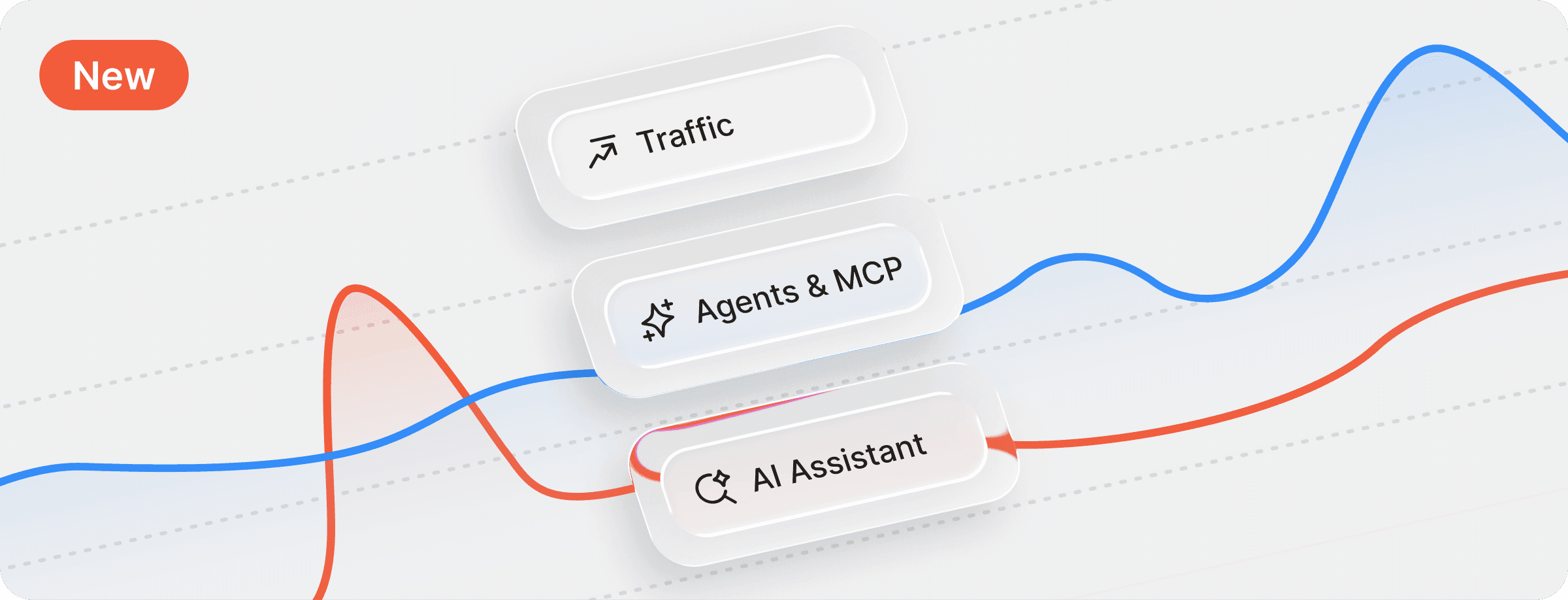
These new tools are great for ongoing maintenance, but some docs improvements require real user data. And while a page-view count tells you how often a page was opened, deciding what to improve takes more context.
GitBook’s built-in analytics tools helps you see this data and understand what it means. The include:
Traffic: Where people arrive, what they view, and who they are.
Ask AI insights: The questions they ask GitBook Assistant, how well your content answers, and the feedback they leave.
Agent traffic: How AI agents and LLMs are accessing your documentation through Markdown and
llms.txtMCP usage: The questions users are asking agents accessing your docs via MCP.
The questions users ask via the Assistant and MCP are incredibly important. The users asking those questions ultimately depend on the same product knowledge as everyone else reading your docs, but they reach and use it differently.
Together, these analytics reports give your team the evidence they need to choose and prioritize the next improvement.
Keep updates consistent as more people contribute

Even accurate docs can be hard to follow when pages use different names for the same feature or explain similar tasks in different ways. And agents encountering those problems may find it even more confusing that humans.
Style guide gives your team a shared place to define terminology, tone, formatting, and structure. Writers and reviewers can refer to those standards, and GitBook Agent uses them when it writes, edits, or reviews content.
When GitBook Agent drafts a fix for a content gap, it can follow the conventions you’ve already established. And when it reviews a change request, it can identify deviations and suggest improvements for your team to consider.
This month, we’ve added Checks to the style guide, allowing you to check your docs content against your style guide directly from the style guide itself.
You can run up to three simultaneous checks on individual site sections. GitBook Agent will open a change request with any fixes it identifies, and you can keep an eye on the open checks waiting for review in the new Checks tab — which shows when the last check ran and whether the style guide has changed since.
The style guide makes your writing standards part of everyday documentation work, including updates drafted with AI. And the new Checks let you regularly audit your docs or quickly update your entire site when your style guide changes.
And of course, your team still reviews all changes and decides what to publish — keeping a human product expert in the loop.
More quality features to come
We’re building GitBook around the fact that documentation needs ongoing care as your product changes. Teams need to know where readers — and AI agents — are struggling and have a practical way to act on what they find.
AI helps teams publish documentation faster, but someone still has to check it. And as the volume grows, manual audits take more time and problems can go unnoticed between reviews. we’re building ongoing quality checks into GitBook to help teams catch and fix those problems as they publish.
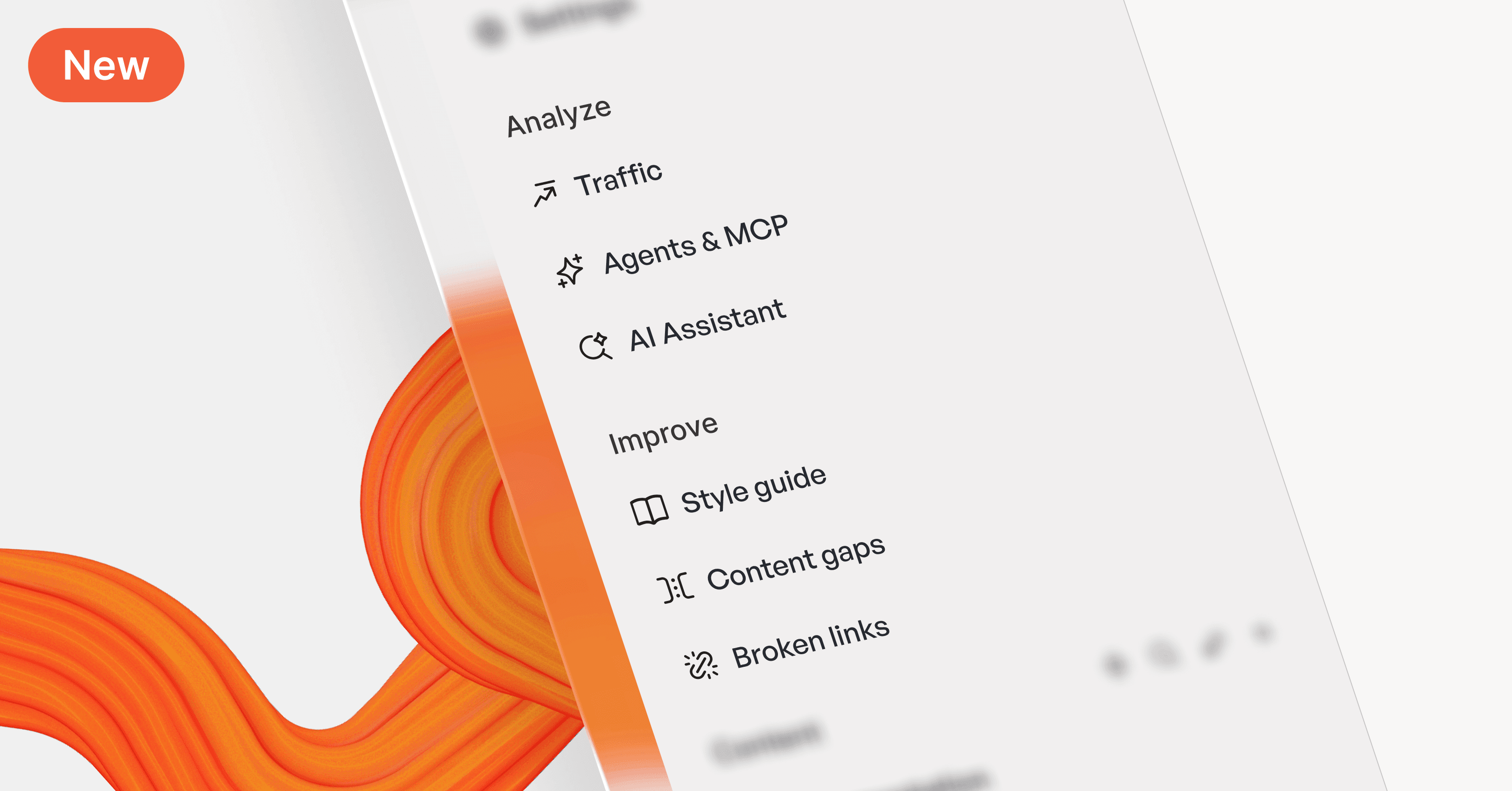
Content gaps and Broken links are the first two dedicated quality checks in the new Improve section of the GitBook app. They build on the visibility Analytics provides and the standards your Style guide sets, with GitBook Agent helping prepare changes for review.
We’ll keep expanding that system with more features and more sources of evidence, so your team can catch problems earlier and keep documentation useful between audits.
Get started
Content gaps and Broken links are available in beta on Ultimate sites. Open your site and head to the Improve section in the sidebar to review your findings.
While you’re there, you can also explore the Analyze section to understand your audience, and set up your Style guide to bring your writing standards into Agent workflows.
→ Read the content gaps documentation
Share



Read more
Product updates
Get the GitBook newsletter
Get the latest product news, useful resources and more in your inbox. 130k+ people read it every month.

7 Sep, 2026
How we rebuilt GitBook’s docs

Addison Schultz
DevRel Lead

Sarah Dugan
Docs Lead
4 Jun, 2026
New this month: GitBook Agent in your editor, AI insights go deeper, and integrations in reusable content

Suzy Everist
Product Marketing Lead
30 Apr, 2026
New this month: GitBook in Linear, Slack & GitHub
Suzy Everist
Product Marketing Lead
Accurate docs. Better answers.
Your docs are already feeding AI. Are users getting the right answers or the wrong ones?
Accurate docs. Better answers.
Your docs are already feeding AI. Are users getting the right answers or the wrong ones?
Accurate docs. Better answers.
Your docs are already feeding AI. Are users getting the right answers or the wrong ones?
Product
Create & Publish
Solutions
Resources

© 2026 Copyright GitBook INC.
440 N Barranca Ave #7171, Covina, CA 91723, USA. EIN: 320502699
Get an AI summary




The State of Docs Report 2026
State of Docs brings together insights from documentation experts from across the industry
Product
Create & Publish
Solutions
Resources
© 2026 Copyright GitBook INC.
440 N Barranca Ave #7171, Covina, CA 91723, USA. EIN: 320502699
Get an AI summary
The State of Docs Report 2026
State of Docs brings together insights from documentation experts from across the industry

Product
Create & Publish
Solutions
Resources
© 2026 Copyright GitBook INC.
440 N Barranca Ave #7171, Covina, CA 91723, USA. EIN: 320502699
Get an AI summary
The State of Docs Report 2026
State of Docs brings together insights from documentation experts from across the industry