Product updates
Published:
30 Oct, 2026
Introducing WebMCP support: your docs’ MCP server, now in the browser


AI summary
WebMCP is a proposed web standard, available in Chrome, that lets a web page register tools for browser agents. Published GitBook sites now use it to expose their existing MCP server's searchDocumentation, getPage and sendFeedback tools, so agents get the same read-only answers from your latest published content as MCP clients do.
AI systems now account for more than half of documentation readership. Some of those readers connect to your docs through MCP from Claude, Cursor or Codex. More and more of them are agents working inside the browser, on the same pages your users read.
Until now, a browser agent on your docs site had to treat it like a person would. It read the rendered page, found the search bar and worked its way to an answer. That works, but it's slow, and every step is a chance to pick up the wrong context.
So we've connected the two. Published GitBook sites now expose their MCP tools to browser agents through WebMCP. We're using it on gitbook.com too.
What WebMCP is
WebMCP is a proposed web standard, drafted in the W3C Web Machine Learning Community Group and available in Chrome. It lets a web page register tools with the browser through document.modelContext. Each tool has a name, a description and an input schema, so an agent can call it directly instead of working out the interface.
For docs, that means an agent can search and read your content as structured data while your reader is on the page.
Your docs MCP server, available in the browser
Every published GitBook site already includes an MCP server at {docs-site-url}/~gitbook/mcp. WebMCP doesn't add a second system alongside it. When a browser that supports WebMCP opens your docs, the site connects to that same server and registers its tools with the browser's agent:
searchDocumentation: searches your docs and returns relevant content with titles and direct links.getPage: returns the full Markdown of any page from its URL, including links the agent can follow to related pages.sendFeedback: reports content that's outdated, contradictory or missing, linked to the exact page, including problems readers flag themselves and what they were trying to do.
Because the tools come straight from your site's MCP server, an agent in the browser gets the same answers as one connected through an MCP client. Those answers come from your latest published content and are read-only, and anything we add to the MCP server in future reaches browser agents automatically.
We've left one tool out for now. askQuestion takes 20 to 30 seconds to put together a full answer, and browser agents usually stop waiting at about 30, so browser agents use search and page reads instead. We'll revisit it.
Feedback from the agents reading your docs
Someone can get an answer from your docs without ever visiting your site, so you need a way to hear when that answer lets them down. sendFeedback gives browser agents the same option MCP clients already have. If an agent hits a missing step or conflicting instructions while helping a reader, it can report the problem with the page attached.
What it means for your site
WebMCP is part of your site's existing MCP setup. It's active on any published site where Connect with MCP server is turned on under Site customization → Page actions.
Readers who don't use an agent won't notice anything. The MCP code only loads in browsers that support WebMCP, so the site stays exactly as fast for everyone else.
We tested it end to end in Chrome and Codex, covering search, page reads and feedback.
How we use WebMCP on our website
Our own website registers three tools of its own for agents evaluating GitBook:
search_gitbook_docs: searches GitBook's product documentation and returns matching pages with links to their Markdown versionsget_gitbook_plans: returns our plans and what each includes, with a link to current pricingstart_gitbook_docs_site: returns the steps to create a GitBook docs site, from sign-up and importing from GitHub, Confluence, Notion or Markdown to publishing on a custom domain
When someone asks their agent which docs platform suits their team, the agent can get those answers from us directly instead of piecing them together from marketing pages.
Why we support standards like this
Our approach to AI standards hasn't changed. We pay close attention, and we move quickly when something has clear value for customers. That's how we added llms.txt and MCP, and WebMCP follows the same thinking. Your docs are already the context AI relies on, so they should be easy to reach wherever your readers are.
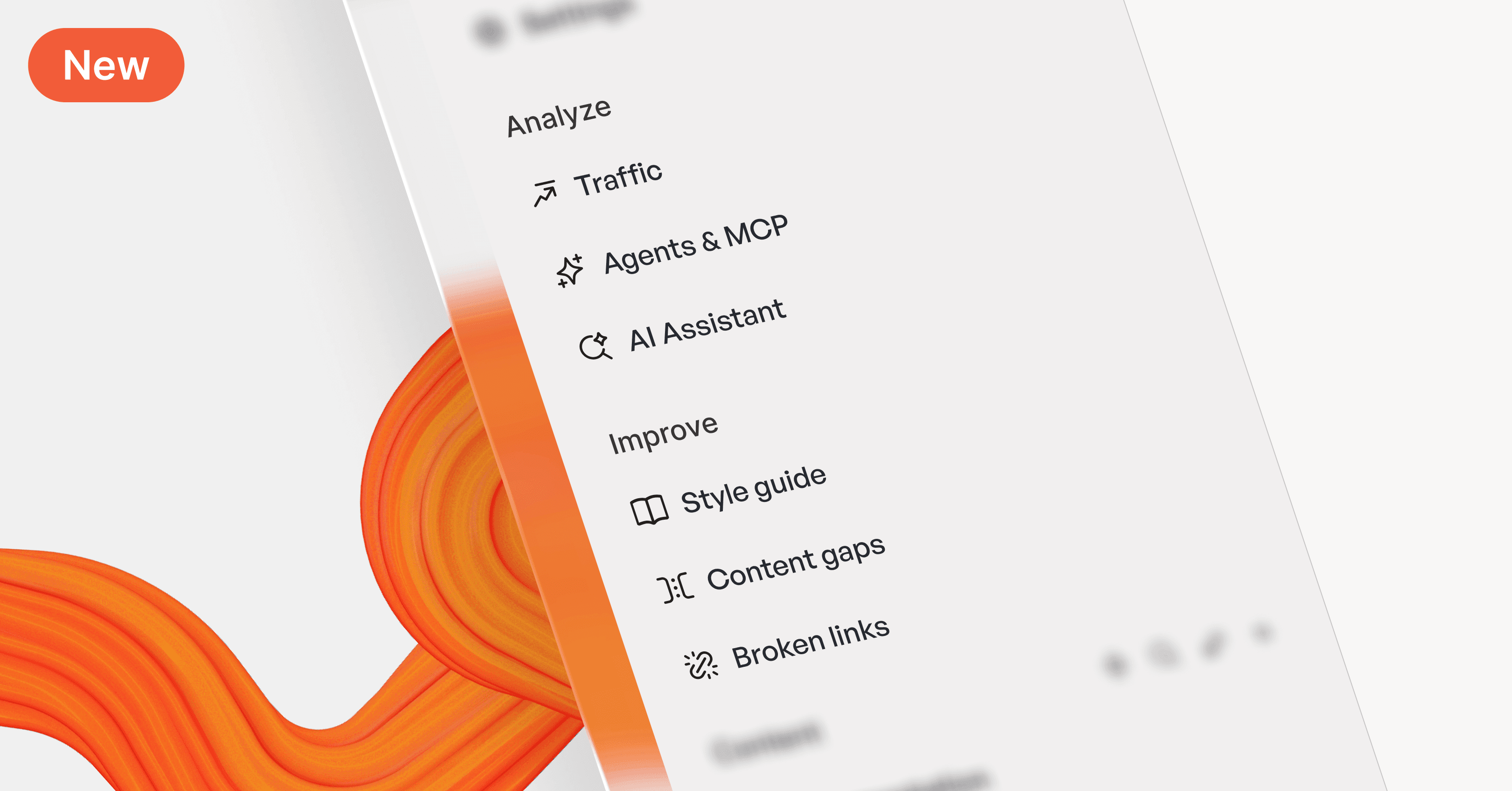
Support for the standard is only half of it, though. An agent is only as good as the content it reads, which is why we're also building tools like Content gaps, Broken links and Style guide to keep that content accurate. Docs that work well for humans and AI start with content that's correct.
Try it
WebMCP is in an origin trial from Chrome 149. To try it locally:
Go to
chrome://flags/#enable-webmcp-testingand set it to EnabledRelaunch Chrome
Open gitbook.com/docs, or your own published site, and ask your browser agent a question
→ Read about MCP servers for published docs
→ Check how agent-ready your docs are with our Agent score
→ Start for free
Share



Read more
Product updates
Get the GitBook newsletter
Get the latest product news, useful resources and more in your inbox. 130k+ people read it every month.




Accurate docs. Better answers.
Your docs are already feeding AI. Are users getting the right answers or the wrong ones?
Accurate docs. Better answers.
Your docs are already feeding AI. Are users getting the right answers or the wrong ones?
Accurate docs. Better answers.
Your docs are already feeding AI. Are users getting the right answers or the wrong ones?
Product
Create & Publish
Solutions
Resources

© 2026 Copyright GitBook INC.
440 N Barranca Ave #7171, Covina, CA 91723, USA. EIN: 320502699
Get an AI summary




The State of Docs Report 2026
State of Docs brings together insights from documentation experts from across the industry
Product
Create & Publish
Solutions
Resources
© 2026 Copyright GitBook INC.
440 N Barranca Ave #7171, Covina, CA 91723, USA. EIN: 320502699
Get an AI summary
The State of Docs Report 2026
State of Docs brings together insights from documentation experts from across the industry

Product
Create & Publish
Solutions
Resources
© 2026 Copyright GitBook INC.
440 N Barranca Ave #7171, Covina, CA 91723, USA. EIN: 320502699
Get an AI summary
The State of Docs Report 2026
State of Docs brings together insights from documentation experts from across the industry