Product updates
Published:
14 May, 2025
New in GitBook: Global reusable content, auto-updating API docs, and much more


AI summary
GitBook has released a major update focused on enhancing documentation efficiency through auto-generating OpenAPI reference docs and enabling global reusable content across an entire organization. These improvements are complemented by a redesigned, space-saving sidebar and various editor upgrades, including interactive buttons and enhanced block selection capabilities.
Last month, we told you about the massive number of updates we’d shipped since the start of the year. We don’t want to leave it so long between updates again, so here’s another!
All of these updates aim to make your documentation more dynamic, easy-to-maintain, and user-friendly. From auto-updating API references to a redesigned sidebar, here’s a roundup of everything that’s new — remember to check out the changelog to see all our updates as they happen!
Auto-updating API reference docs
We know that two of the biggest challenges when documenting APIs are updating the docs when the specification changes, and auto-generating the docs in the first place.
That’s why we’ve created a new way to generate API documentation from an OpenAPI specification in seconds. The new OpenAPI section in the sidebar lets you add your spec from a URL, upload it as a file, or use the GitBook CLI.

Once added to your organization, it’s super easy to use the spec to generate OpenAPI blocks — or a complete API reference — in any space. If you add your spec using a URL, GitBook will automatically check for updates every six hours. Any changes will be pushed to your API docs right away.
This is the first use case for a new method we’re working on to create documentation from existing information. We’ll talk about this more — for OpenAPI, but also for other use cases — next week. Stay tuned!
Global reusable content
Reusable content can now be used across your entire organization. So you can add any reusable content to any page, in any space in your org — no matter where it was originally created.
Before, reusable content was locked to a specific space. With global reusable content, you can keep information consistent between multiple published spaces without risking instances getting out of sync.

The process for adding reusable content hasn’t changed. Just hit the / on any empty block and choose Reusable content from the menu. You can choose content from your current space, or browse through all your reusable content across all your spaces.
This is something we had a lot of requests for, so we’re excited to hear what you think. We’ll continue working to improve the experience of using reusable content globally — hopefully we’ll have more to share soon.
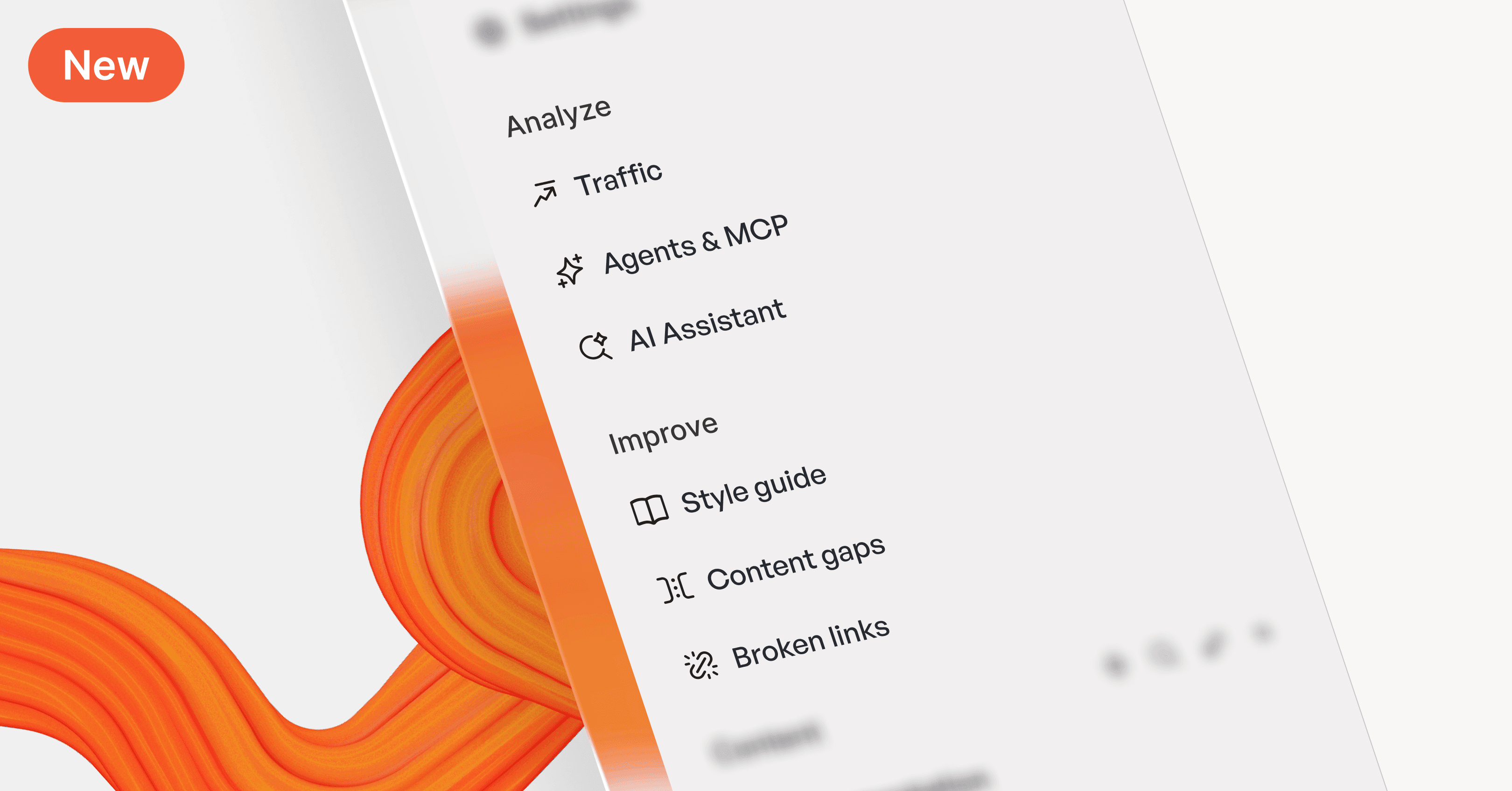
New sidebar: more space, less clutter
This week we shipped a huge sidebar upgrade that shows 30% more content and can be accessed easily, even when the sidebar is collapsed.
The new sidebar moves a lot of the options that sat at the bottom of the window into the top organization menu, freeing up more space for your content. It’s also more compact, so you can see a lot more in the same space.
It’s also resizable, so you can change the width to fit your workflow. And there’s a new collapsed mode — simply drag it off the screen to hide it entirely. It’ll appear on hover, and hide again when you move your cursor away. So you can quickly access all your content, without expanding it and collapsing it manually every time.
Plus, the docs site section has done away with the unnecessary nesting, making it quicker and easier to navigate to the site and space you want.
Add button blocks to your docs
We’ve added a new option to docs: buttons! You can now add interactive buttons directly to your documentation pages — perfect for guiding users to sign-up pages, external resources, or other important actions. Plus, they add another layer of interactivity to your docs.
The editor improvements continue!
Our dedicated editor squad has been hard at work shipping a bunch more improvements and fixes over the past few weeks. Here’s a quick breakdown of what’s new in the editor:
Better OpenAPI and code block designs
We’ve made some tweaks to the design of API blocks and code blocks in published content. First off, we’ve tweaked the OpenAPI block’s layout to make it more consistent and easier to parse. We’ve also improved object accordions and added new schema alternatives separators including anyOf, allOf, and oneOf.

But that’s not all! You’ll also notice updated colors for API and code blocks in your published documentation. They’ll now use your site’s primary, tint and semantic colors to style the code — so if you’ve set those colors to match your brand, your code will match those colors too.
Plus, your site will now automatically show a high-contrast version of those colors when requested by a user’s browser.
Click and drag to select blocks
We’ve added a new way to select blocks on your page — click and drag.
Simply click and drag your cursor across the blocks you want to select to select the highlighted blocks. It’s a fast and easy way to select blocks you want to copy, delete or turn into reusable content.
New palettes
Another small UX improvement — better palettes. The new palettes are more visually aligned with other parts of the GitBook app UI, and generally look a little nicer. We’ve rolled out this design change across all the menus in the app, and we’ve also made some other improvements to the link and inline palettes.

The link palette is now sorted into link types, making it easier to find what you’re looking for. And the inline palette is now searchable, so you can add links, images, or those new buttons we talked about above more easily than ever.
Turn paragraph blocks into other text-based blocks
Until now, you could only turn text blocks into other kinds of basic text blocks. For example, you could make a paragraph block into H1, H2 or H3 headers, but that was all.
Now, you can turn a paragraph block into all kinds of other blocks. So you can make it a hint, a code block, an expandable, and many others. Give it a try!
Icons on relative links
Relative links — that is, links to other pages within your docs — will now appear with the page’s icon or emoji next to the title in the editor. Before, they’d show a space, page or anchor link icon, but this change adds a splash of identity and adds some context to your links.

Next week: A computed content deep dive
That’s all the biggest news from the last few weeks — but there’s more where that came from. If you want to read more about these updates and everything else that we’ve shipped in the last few weeks, head over to our changelog.
Next week we’ll be spending some time talking about our new OpenAPI feature, internalization for your documentation, and more. They’re all related to a new system we’ve been working on in the backend — we’ll explain them in more detail in the coming days. Check back throughout next week to read more.
→ Get started with GitBook for free
→ The seven principles of great API docs and how to apply them
Share



Read more
Product updates
Get the GitBook newsletter
Get the latest product news, useful resources and more in your inbox. 130k+ people read it every month.





Accurate docs. Better answers.
Your docs are already feeding AI. Are users getting the right answers or the wrong ones?
Accurate docs. Better answers.
Your docs are already feeding AI. Are users getting the right answers or the wrong ones?
Accurate docs. Better answers.
Your docs are already feeding AI. Are users getting the right answers or the wrong ones?
Product
Create & Publish
Solutions
Resources

© 2026 Copyright GitBook INC.
440 N Barranca Ave #7171, Covina, CA 91723, USA. EIN: 320502699
Get an AI summary




The State of Docs Report 2026
State of Docs brings together insights from documentation experts from across the industry
Product
Create & Publish
Solutions
Resources
© 2026 Copyright GitBook INC.
440 N Barranca Ave #7171, Covina, CA 91723, USA. EIN: 320502699
Get an AI summary
The State of Docs Report 2026
State of Docs brings together insights from documentation experts from across the industry

Product
Create & Publish
Solutions
Resources
© 2026 Copyright GitBook INC.
440 N Barranca Ave #7171, Covina, CA 91723, USA. EIN: 320502699
Get an AI summary
The State of Docs Report 2026
State of Docs brings together insights from documentation experts from across the industry